Aident Loadout (Aident AI) prompt for connecting an AI coding agent to external apps
An editorial example for connecting an AI coding agent to external apps in Aident Loadout (Aident AI), written for our guide and not tested against the vendor
For
Aident Loadout (Aident AI)
Source
AI Tool Atlas guide: Aident Loadout (Aident AI)
Checked
Sep 29, 2026
The prompt
Editorial example from our guide
Use Aident Loadout to summarize my daily GitHub PRs, then send the summary email to my Gmail account.
When to use this prompt
An editorial example for connecting an AI coding agent to external apps in Aident Loadout (Aident AI), written for our guide and not tested against the vendor
Task type: Writing. Browse other prompts for the same task below.
Written for Aident Loadout (Aident AI); other chat assistants usually accept it unchanged.
No variables to replace: paste it as is.
How to use this prompt: what to fill in, where to run it, what comes back
How to check the result
Confirm the email arrived and lists the expected pull requests
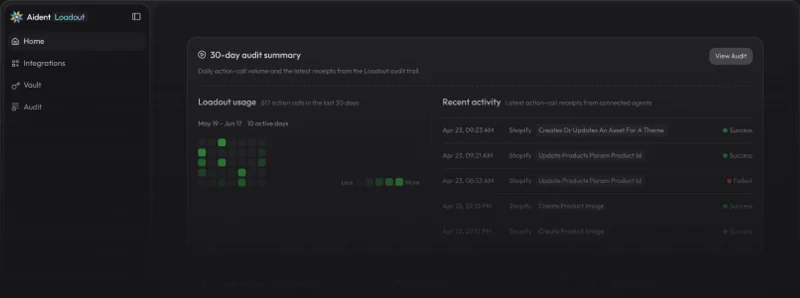
Check the Audit entry shows success and the cost
This prompt was written as an example for our guide and has not been run against the tool. Expect to adapt it to your case. How we document tools.
Set up Tincan using https://gotincan.com/start.md. Coordinate with my other assistants in the background, handle routine replies and follow-ups, and notify me only for results, blockers, or decisions.
Read new emails from support@company.com, look up customer in Airtable by email, draft response mentioning their past issues, mark urgent if mentions payment/billing, send reply and log to Notion.