AI code editor with agents, cloud agents and code review, offered with a free Hobby tier and paid plans.
Free stops at: Limited Agent requests
Listed Not yet reviewed
Free · paid from $20/mo US · checked Sep 29
Connect Supabase projects to AI assistants to manage tables, fetch config and query data.
Standardizes how LLMs talk to Supabase so assistants can manage tables, fetch config and query data. The hosted server is at https://mcp.supabase.com/mcp with OAuth login; local CLI and self-hosted setups expose a limited subset.
You need: Supabase account; MCP client with remote HTTP support
{
  "mcpServers": {
    "supabase": {
      "type": "http",
      "url": "https://mcp.supabase.com/mcp"
    }
  }
}Review the source before granting an agent access to credentials or production systems. We document what the maintainers state; we do not audit code.
AI code editor with agents, cloud agents and code review, offered with a free Hobby tier and paid plans.
Free stops at: Limited Agent requests
Free · paid from $20/mo US · checked Sep 29
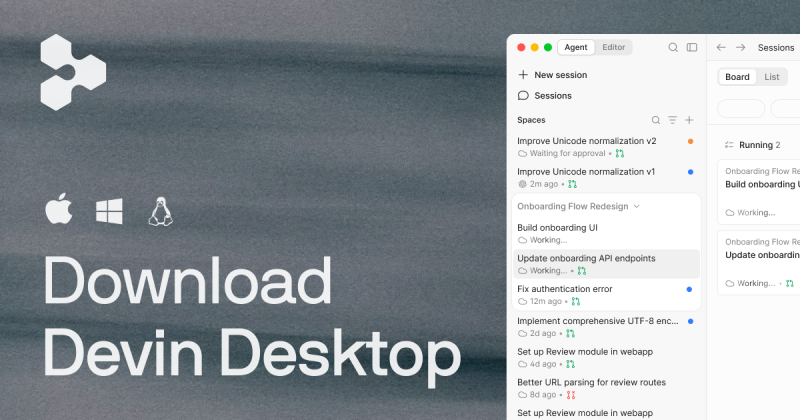
AI coding IDE, formerly Windsurf, now Devin Desktop: manage local and cloud coding agents inside a full IDE.
Free stops at: Light quota for agent usage, resets daily and weekly, Limited model availability
Verified windsurf.com (opens Devin Desktop (formerly Windsurf) website in a new tab)
Free · paid from $20/mo US · checked Sep 29
Add read_only=true to the server URL, e.g. https://mcp.supabase.com/mcp?project_ref=&read_only=true. source
Hosted at https://mcp.supabase.com/mcp; locally via Supabase CLI at http://localhost:54321/mcp with fewer tools. source
It is in the supabase-community org and linked from supabase.com docs; the README calls it the Supabase MCP Server. source
Not stated by the maintainers: Official status inferred from supabase.com docs links, not an explicit statement; last_release date not visible in the checked README.
compare>