Our take: Choose Pandada if you want code-free analysis of Excel files and PDFs, free within daily limits or Plus at $19 per month.
Main limitation: Basic is limited to 5 chats, 5 web searches and 5 reports per day, and uploads are capped at 80 MB per chat.
By the AI Tool Atlas editors.
Based on the vendor's official documentation; we have not tested this product hands-on. What “documented overview” means
Who Pandada AI fits
Choose Pandada if you want code-free analysis of Excel files and PDFs, free within daily limits or Plus at $19 per month. Based on the vendor's documentation, not on a hands-on test.
Best for: Students writing data-based assignments
Also a good fit for
Business users who need reports from spreadsheets
Consider another tool if basic limited to 5 chats, 5 web searches and 5 reports per day
Or if
Plus capped at 500 chats and 100 reports per month
Upload size capped (80 MB Basic, 200 MB Plus per chat)
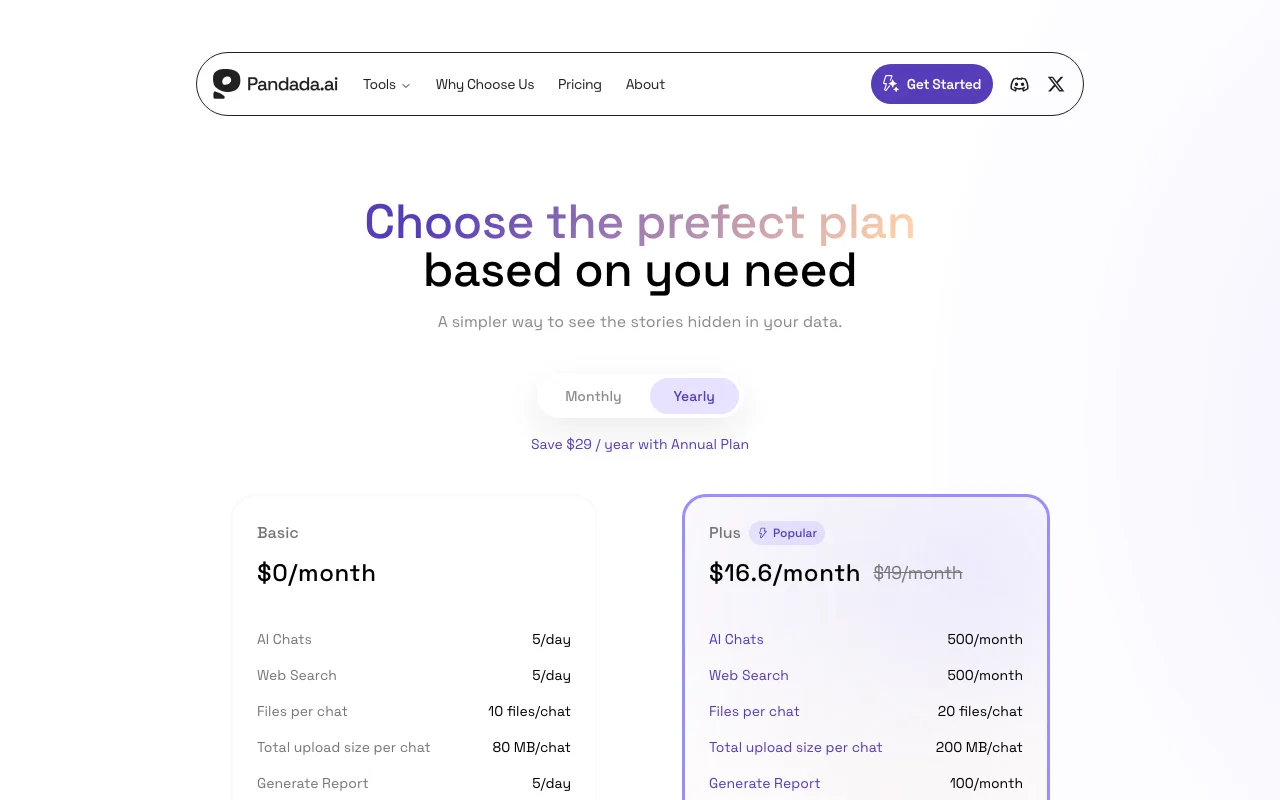
Pandada AI pricing and usage limits
Prices checked Oct 4, 2026 on the official US pricing page. Official pricing ↗ Prices and limits change often.
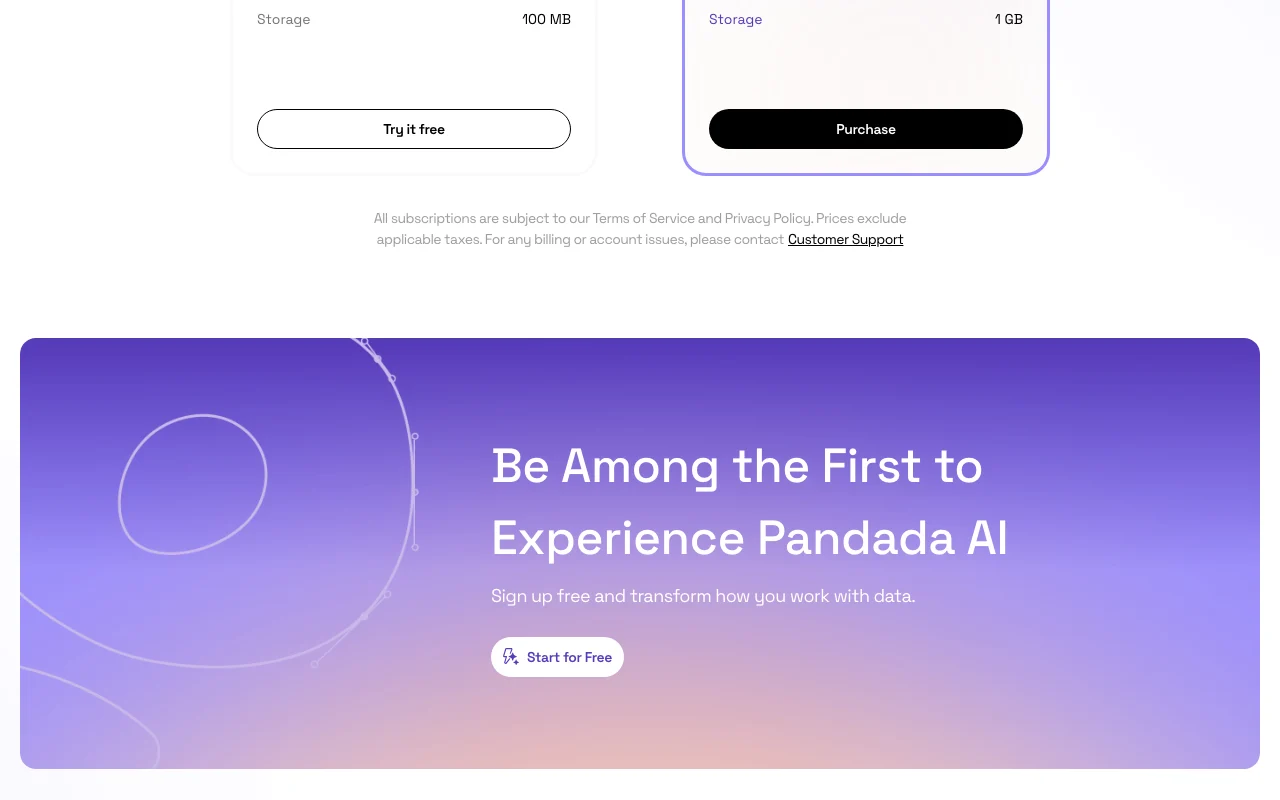
The official Pandada AI pricing page as we saw it. pandada.ai, captured Oct 2, 2026
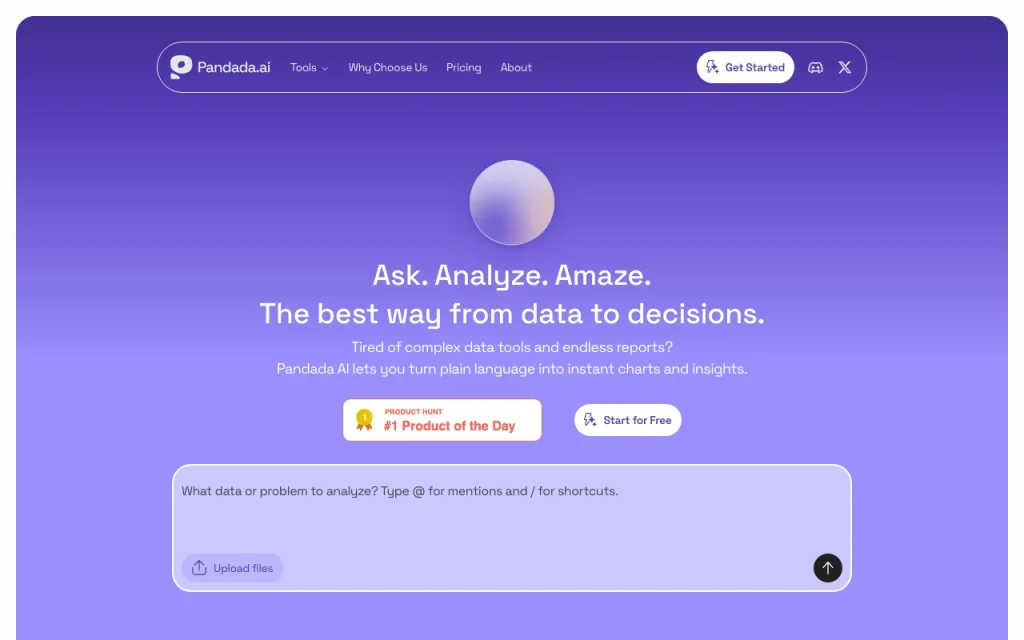
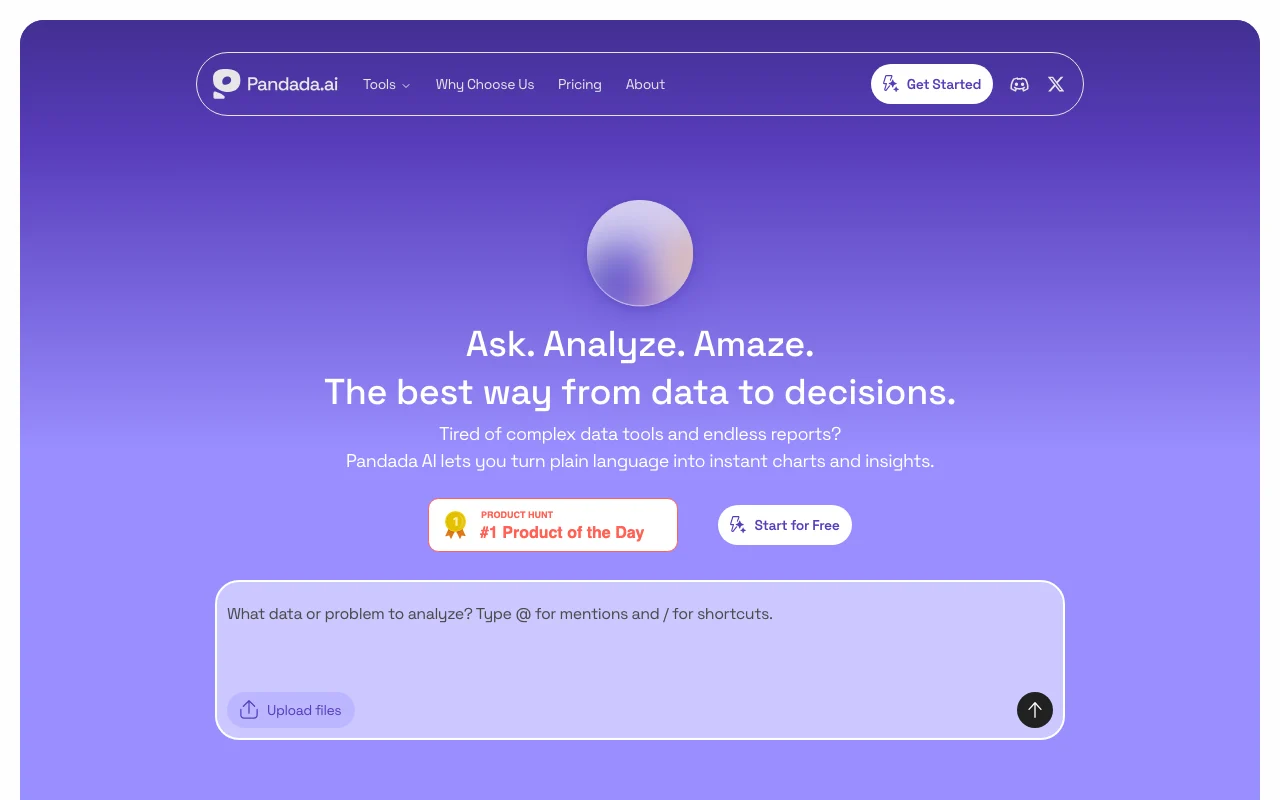
Pandada AI is an AI data analysis tool that turns uploaded files such as Excel sheets, PDFs and other data into insights and reports without writing code. The site positions it for assignments, research and business reports.
The pricing page lists a free Basic plan with daily limits on AI chats, web searches and report generation, and a paid Plus plan with higher monthly limits, larger uploads and more storage.
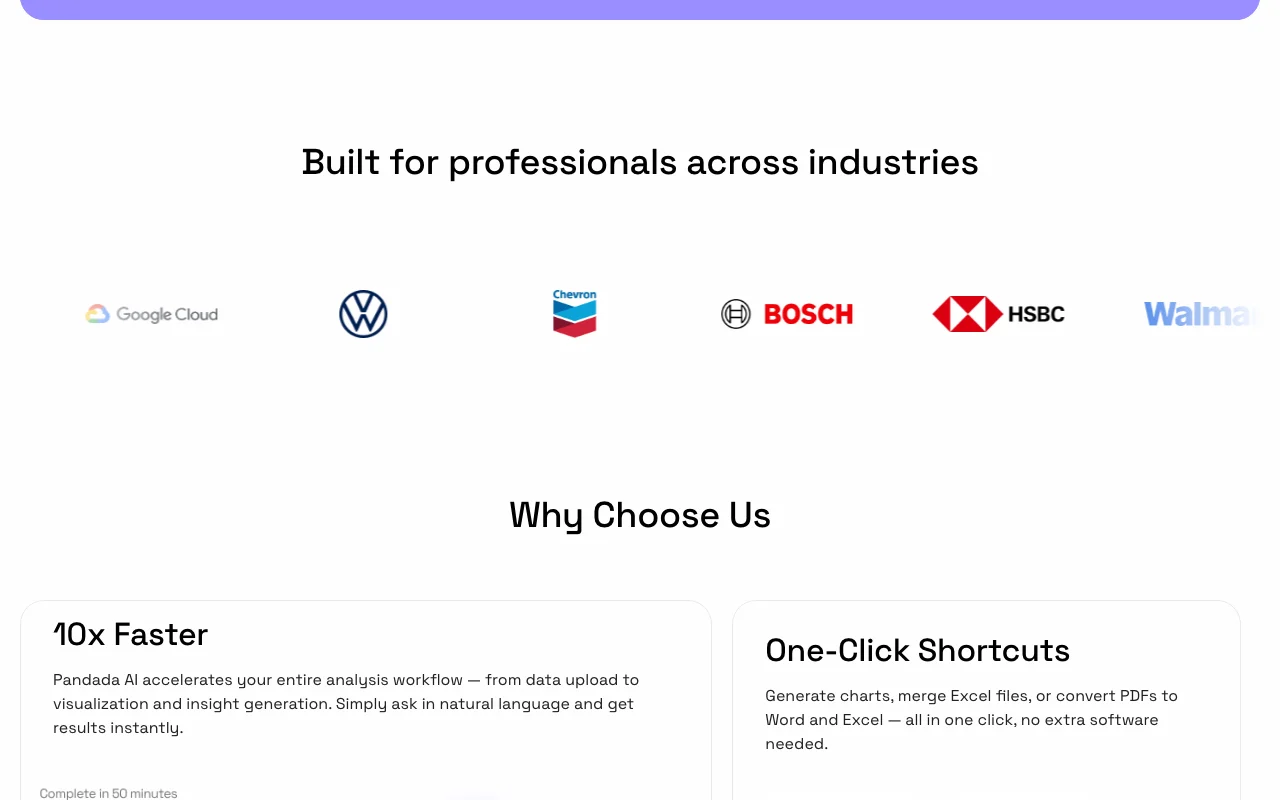
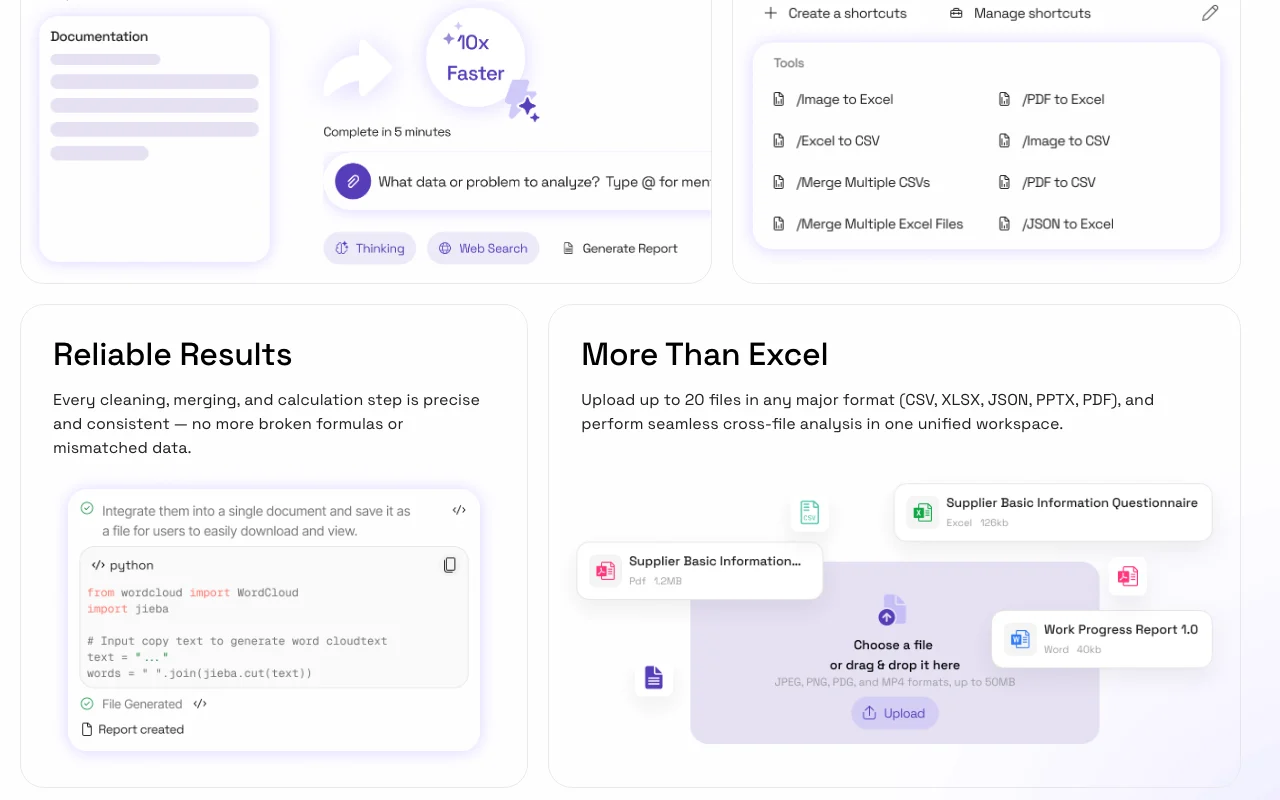
Pandada AI's official site: how the product presents itself. pandada.ai, captured Oct 2, 2026
What you provide and what you get back
What you give Pandada AI and what comes back, from its documentation
You provide
Excel, PDF and data files
Questions
You get back
Insights
Reports
Where you can use it
Account
Required
Files
Excel, PDF
Basic uploads
10 files, 80 MB
Plus uploads
20 files, 200 MB
Reports
5/day, 100/month
What people use Pandada AI for
Scenarios are worked out by our editors from the documentation; the actual result depends on your input and plan.
Analyzing Excel files without code
Who
Students
You provide
A spreadsheet
Expected result
Pandada returns findings from the spreadsheet in plain language, without any code written by the student.
Free Basic plan with no charge The Basic plan costs nothing, so students and occasional users can analyse a file without paying.documentedsource (opens in a new tab)
USD prices published, yearly discount offered Prices are published in USD with a lower rate for yearly billing, so you can work out the cost before signing up.documentedsource (opens in a new tab)
No coding required per the homepage The homepage says no coding is needed, so people who do not write code can ask questions about their data in plain language.documentedsource (opens in a new tab)
Check before paying for Pandada AI
Basic limited to 5 chats, 5 web searches and 5 reports per day Basic allows only 5 chats, 5 web searches and 5 reports per day, so larger projects have to be spread over several days.documentedsource (opens in a new tab)
Plus capped at 500 chats and 100 reports per month Plus caps use at 500 chats and 100 reports per month, so heavy users can still reach a limit on the paid plan.documentedsource (opens in a new tab)
Upload size capped (80 MB Basic, 200 MB Plus per chat) Uploads are limited to 80 MB on Basic and 200 MB on Plus per chat, so very large data files may not fit.documentedsource (opens in a new tab)
How to use Pandada AI for analysing spreadsheets with AI
Set up Pandada AI
Open pandada.ai and sign in.
Upload files.
Ask.
Example: analysing spreadsheets with AI
Upload Excel.
Ask for trends.
Generate report.
Review and export the result
Check numbers.
Compare source.
Example prompt suggested by our editors (not a recorded output of the product)
Summarise sales by region and flag outliers.
Privacy, data use and commercial rights
Summarized from the vendor's current policies; this is not legal advice and a vendor's badge is not an independent audit.
Not verified: Privacy; Platforms; Official pages could not be read as text (client-rendered or empty fetch); facts come from the verified seed research.
How we documented and maintain this page
Every fact about Pandada AI above comes from the 2 official pages listed here, last compared on Oct 4, 2026; we have not run Pandada AI ourselves, so it has no editorial score. How we check and re-check pages.
Article updated Oct 2, 2026; prices checked Oct 4, 2026. Outbound links to vendors are plain links; we do not earn commissions. How we review · Report an error
 (open full size in a new tab)
 (open full size in a new tab)
 (open full size in a new tab)
 (open full size in a new tab)
 (open full size in a new tab)
 (open full size in a new tab)