Research & searchDocumented overviewLast checked Oct 1, 2026

QVeris AI: Pricing, Features & Best Use Cases

Discovery and access layer connecting AI tools to professional data services via MCP, CLI, SDKs and REST API.
Is QVeris AI right for you?

QVeris suits developers building AI agents who want one MCP, CLI, SDK or REST route to professional data services such as company financials, papers and patents, with free discovery and pay-per-call credits. Based on the vendor's documentation, not on a hands-on test.

Best for: Developers building AI agents

Also a good fit for

  • Researchers needing data access

Consider another tool if free tier limited to 10 req/min

Or if

  • Calls billed per capability rules
  • Pro includes 10,000 credits, then $0.002/credit overage

QVeris AI pricing and usage limits

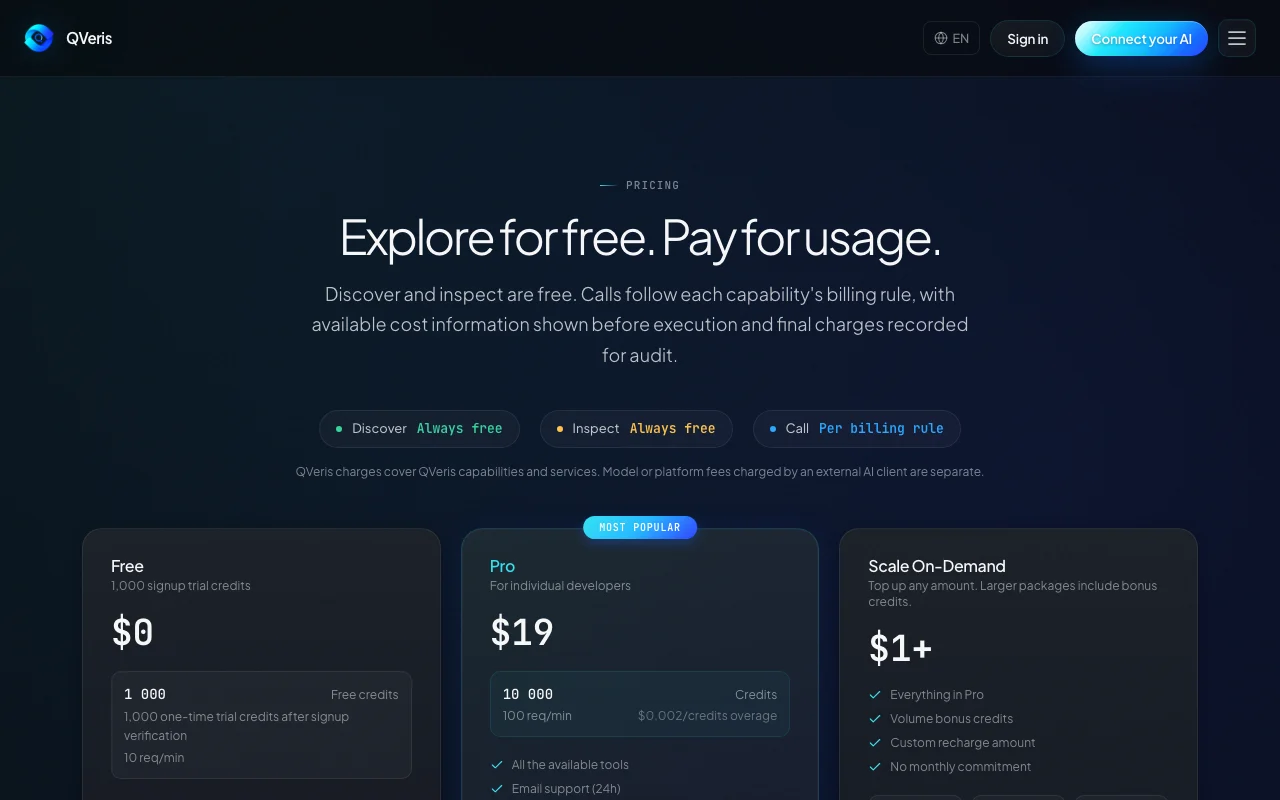
Prices checked Oct 1, 2026 on the official US pricing page. Official pricing ↗ Prices and limits change often.

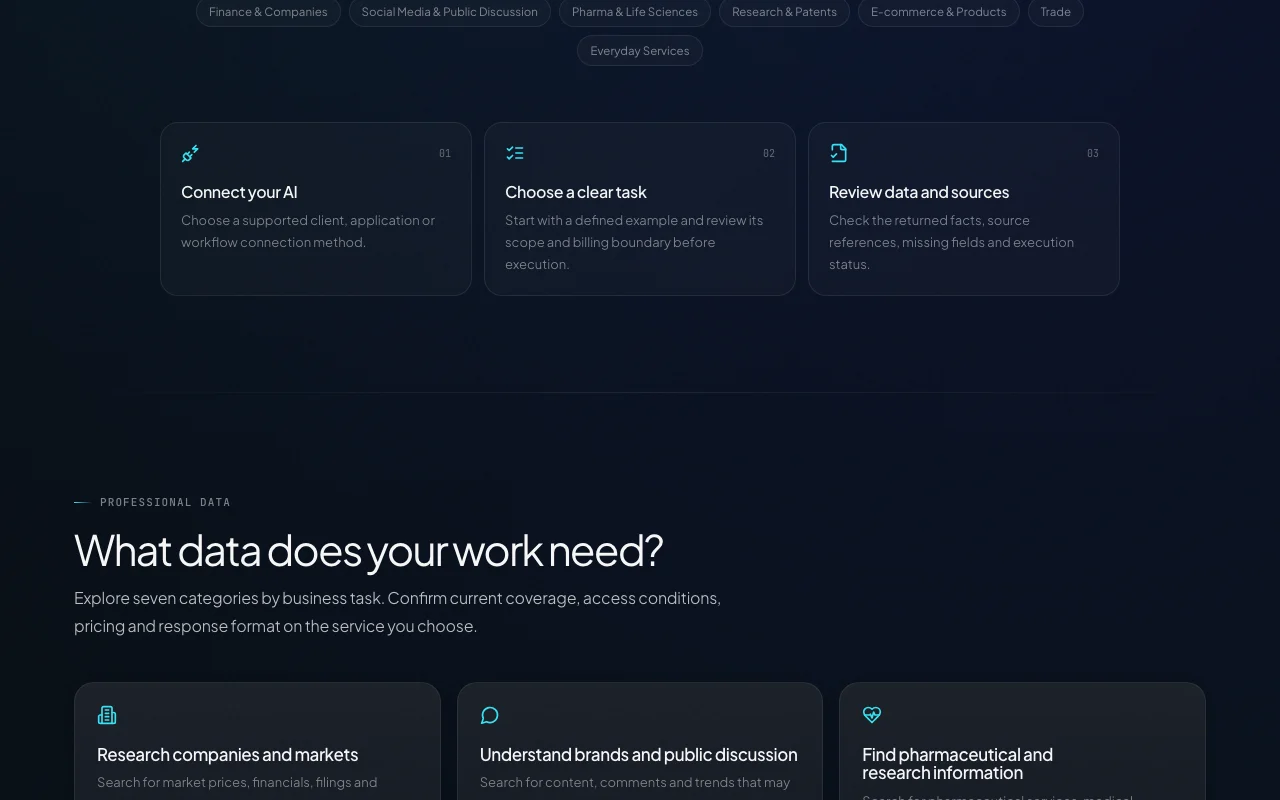
QVeris AI pricing page with plans and prices — screenshot of the research & search AI tool, Oct 2, 2026
The official QVeris AI pricing page as we saw it. qveris.ai, captured Oct 2, 2026

Free access and trial conditions

Free tier gives 1,000 one-time trial credits; Discover and Inspect are always free.

Trial credits after signup verification.

Paid plans: what changes as you upgrade

Free web

Free source (opens in a new tab)

One-time

For: Evaluating QVeris

Limits

  • 1,000 one-time trial credits after signup verification
  • 10 requests per minute

Includes

  • Basic tools access
  • Playground access
1 more
  • Community support

API included

Pro web

$19 source (opens in a new tab)

Billing period not stated on the page.

For: Individual developers

Limits

  • 10,000 credits included
  • 100 requests per minute
1 more
  • $0.002 per credit overage

Includes

  • All available tools
  • Email support (24h)
2 more
  • Usage analytics
  • Priority queue

API included

Scale On-Demand web

$1 source (opens in a new tab)

For: Variable usage

Limits

  • Credits never expire
  • $100 gives 52,500 credits (+5%), $500 gives 275,000 (+10%), $1000 gives 575,000 (+15%)

Includes

  • Everything in Pro
  • Volume bonus credits
1 more
  • No monthly commitment

API included

Enterprise web

Custom pricing source (opens in a new tab)

For: Large deployments

Limits

  • Contact sales

Includes

  • Dedicated support
  • Custom SLAs
1 more
  • Volume discounts

API included

Usage caps, credits and extra costs

Calls are billed per each capability's rule; external AI client or model fees are separate.

Not stated.

What is QVeris AI, and how does it work?

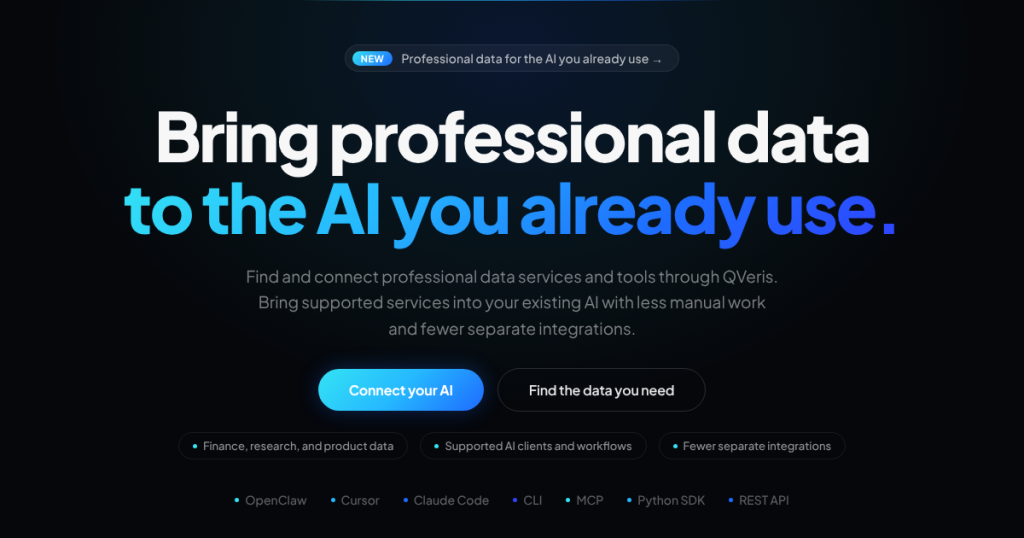
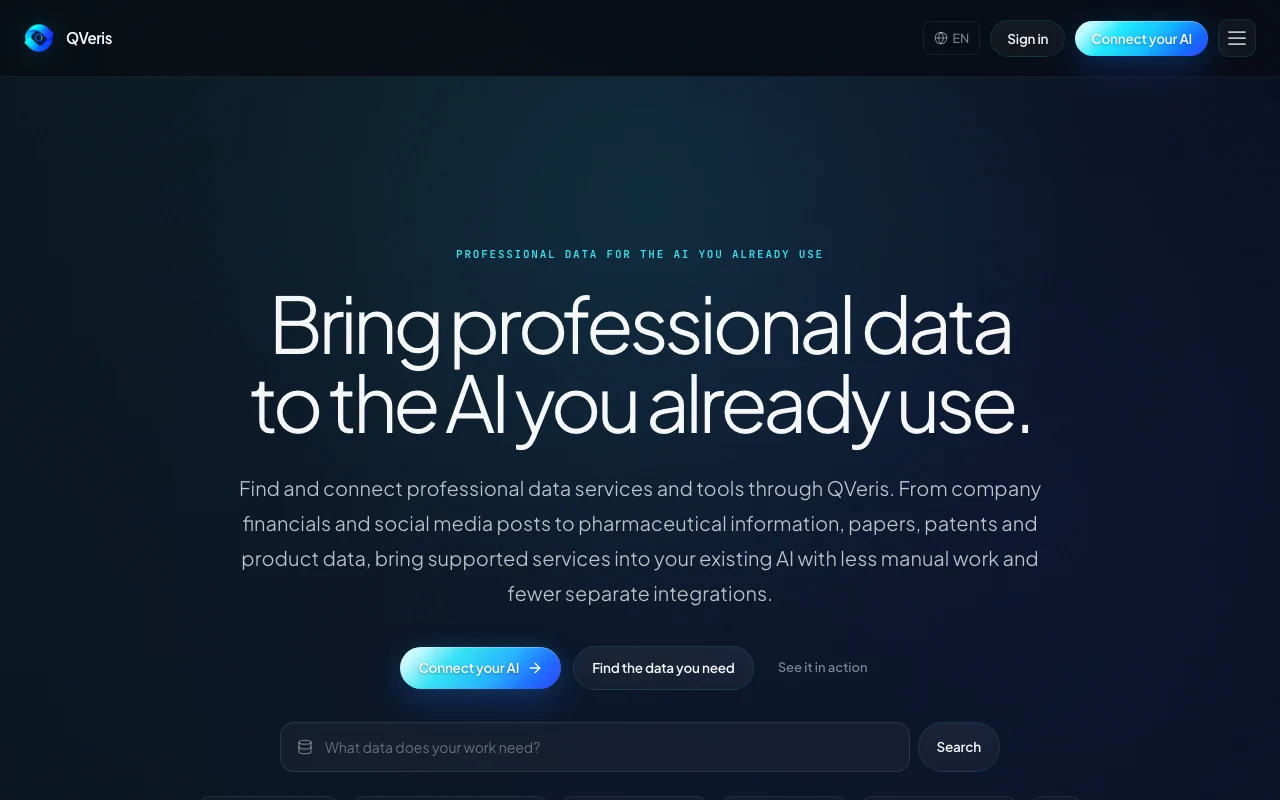
QVeris helps users find and connect professional data services (company financials, social media, pharma, papers and patents, e-commerce) to the AI tools they already use. It offers hosted MCP, CLI, SDKs and a REST API. Discovery and inspection are free; calls are billed by each capability's rule using credits.

QVeris AI homepage — screenshot of the research & search AI tool, Oct 2, 2026
QVeris AI's official site: how the product presents itself. qveris.ai, captured Oct 2, 2026

What you provide and what you get back

How QVeris AI works: what you provide, where it runs and what you get backYOU PROVIDEYour inputNatural-language capability searchStructured call parametersAPI key from your accountRESEARCH & SEARCHQVeris AIWeb, APIfrom $19 (Pro)free tier availableaccount requiredchecked Oct 1, 2026YOU GET BACKThe resultStructured data resultsSource references and execution s…Usage history and credits ledgerinput → QVeris AI → output · from the vendor's own pages, no hands-on test unless stated
What you give QVeris AI and what comes back, from its documentation

You provide

  • Natural-language capability search
  • Structured call parameters
  • API key from your account

You get back

  • Structured data results
  • Source references and execution status
  • Usage history and credits ledger

Where you can use it

Platforms
Web, API
Account
Required
Access methods
Hosted MCP, CLI, Python and JS SDKs, REST API
Data categories
Finance, social, life sciences, papers and patents, e-commerce, trade, everyday services
Rate limits
10 req/min (Free), 100 req/min (Pro)
Workflow
Discover, then Inspect, then Call

What people use QVeris AI for

Scenarios are worked out by our editors from the documentation; the actual result depends on your input and plan.

Pull company financials into an AI assistant

Who
Developers building financial research agents
You provide
A task needing filings or financials
Expected result
Structured company data returned to the agent
Plan needed
Pro
Limitation
Each call is billed by the capability's rule source (opens in a new tab)

Search papers and patents

Who
Academic and patent researchers
You provide
A topic query for papers or patents
Expected result
Source-referenced paper and patent records
Plan needed
Free
Limitation
10 requests per minute cap source (opens in a new tab)

Look up product and price data

Who
E-commerce analysts
You provide
Product or store queries
Expected result
Price, ranking and trend data in the assistant
Plan needed
Pro
Limitation
Coverage depends on the chosen service source (opens in a new tab)

What QVeris AI does, and where it stops

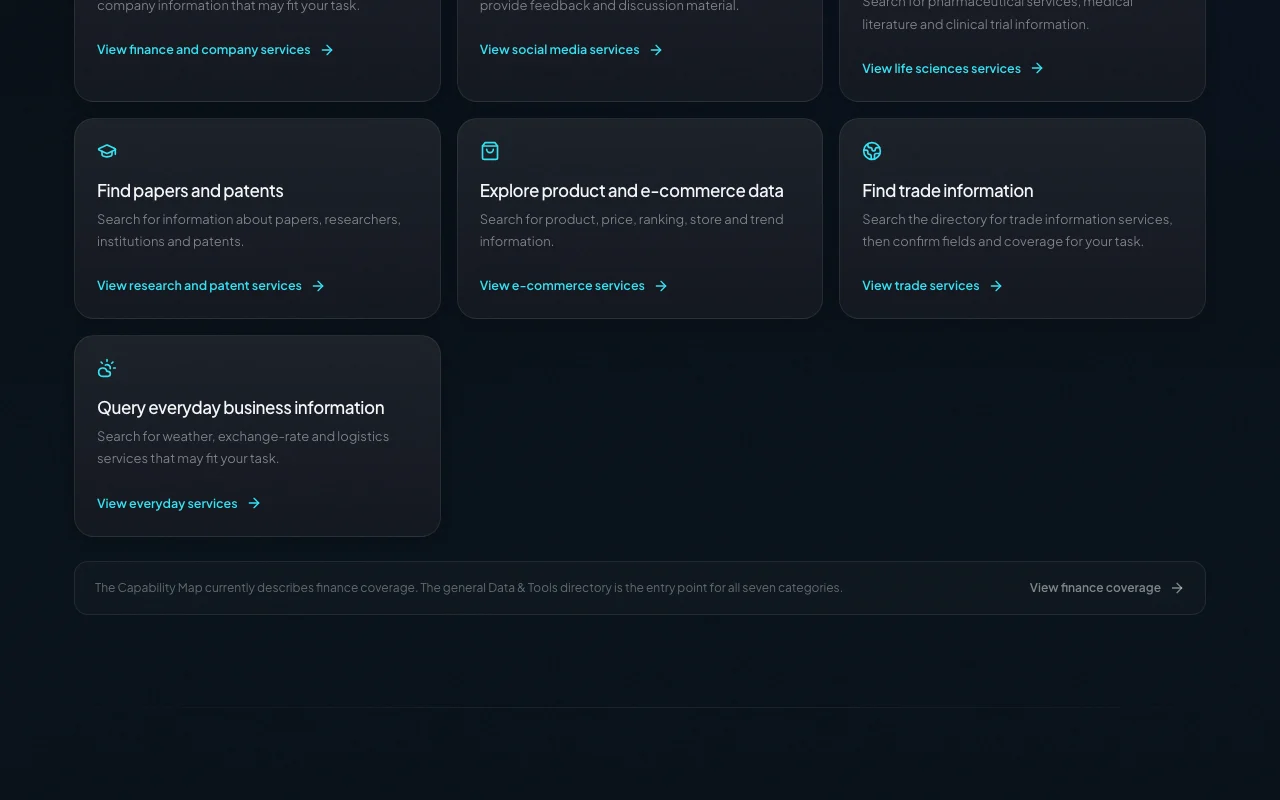
QVeris AI homepage — screenshot of the research & search AI tool, Oct 2, 2026
Feature overview on the official site. qveris.ai, captured Oct 2, 2026

Hosted MCP server

Hosts an MCP server so AI clients can discover and call data capabilities. Gets professional data into tools you already use.

Access: All plansLimit: Needs an MCP-capable client. source (opens in a new tab)

REST API

Exposes a REST API for Discover, Inspect and Call. Lets any app use the capabilities.

Access: All plans, API key requiredLimit: Calls consume credits. source (opens in a new tab)

Python and JS SDKs

Provides Python and JavaScript SDKs. Speeds integration in code.

Access: All plansLimit: Language coverage limited to those two. source (opens in a new tab)

CLI

Installs a CLI with discover, inspect and call commands and codegen for curl, Python and JS. Test capabilities from the terminal.

Access: All plansLimit: Requires login to authenticate. source (opens in a new tab)

QVeris AI: strengths and limits

Reasons to choose QVeris AI

Check before paying for QVeris AI

How to use QVeris AI for finding and calling a data capability from the QVeris CLI

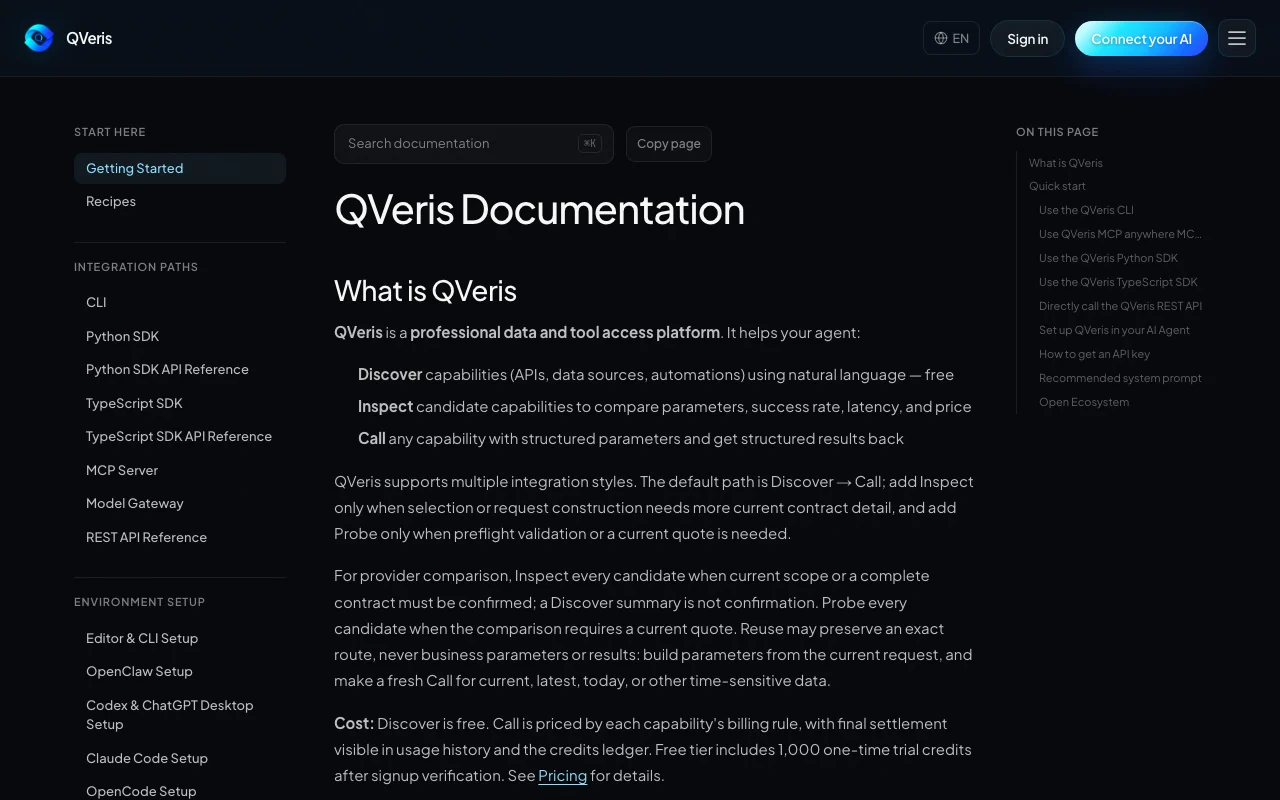
QVeris AI documentation — screenshot of the research & search AI tool, Oct 2, 2026
QVeris AI documentation: where the steps below come from. qveris.ai, captured Oct 2, 2026

Set up QVeris AI

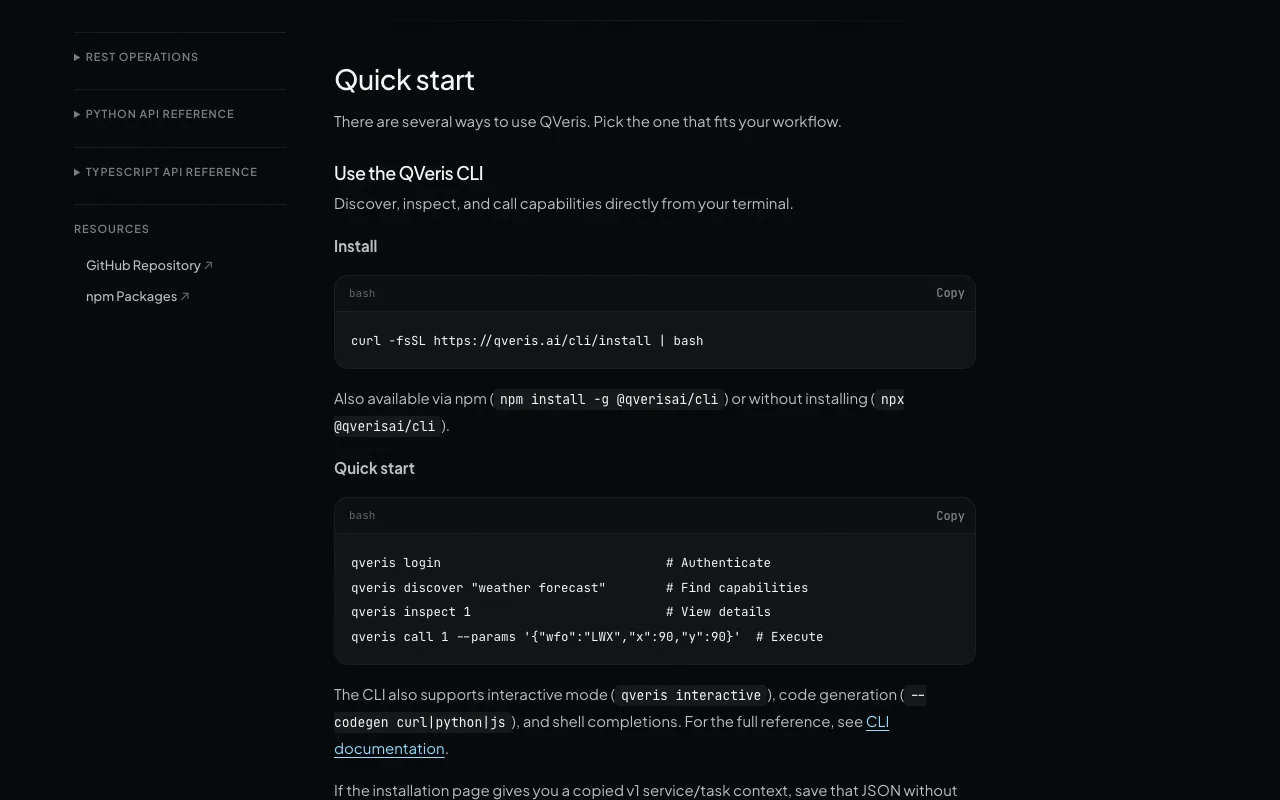
  1. Install the CLI with the curl installer or npm install -g @qverisai/cli
  2. Run qveris login and authenticate with your account
  3. Verify signup to receive the 1,000 trial credits

Example: finding and calling a data capability from the QVeris CLI

  1. Run qveris discover with a plain-language description such as weather forecast
  2. Run qveris inspect on a result to see parameters, success rate, latency and price
  3. Run qveris call with structured parameters
  4. Open the usage history to see the final charge

Review and export the result

  1. Compare the pre-settlement amount with the ledger charge
  2. Check returned source references and missing fields

QVeris AI API

QVeris AI documentation — screenshot of the research & search AI tool, Oct 2, 2026
QVeris AI documentation (continued). qveris.ai, captured Oct 2, 2026

API access and separate billing

QVeris AI has no public API in its official documentation. Discover, Inspect and Call endpoints. API documentation ↗

Privacy, data use and commercial rights

Summarized from the vendor's current policies; this is not legal advice and a vendor's badge is not an independent audit.

How your inputs and outputs are handled

Query content may be sent to third-party AI providers to fulfill requests.

Not captured.

Kept only as long as necessary, then deleted or anonymized.

Commercial use and plan restrictions

Not captured.

None stated.

Controls for business users

  • Usage analytics (Pro)

Policies: qveris.ai/privacy

Best QVeris AI alternatives for different needs

"Better suited" is based on documented features and pricing, not on a head-to-head test.

Perplexity: better suited to

Alternatives
AlternativeWhen to choose itPricingLimitation
Perplexity——Compare

Explore QVeris AI further

If you are looking at QVeris AI

QVeris AI user reviews

No user reviews yet.

Used QVeris AI? Be the first to share your experience.

Write a review

Reviews are checked by a moderator before they appear. Your email is never published. Plain text only.

Your rating (required)

Show what you made or what went wrong. Images are published only if the review is approved; location data is removed.

    QVeris AI FAQ

    Is discovery free on QVeris?

    Yes. Discover and Inspect are always free; you pay only when your agent calls a capability. source (opens in a new tab)

    Do QVeris credits expire?

    Purchased top-up credits do not expire; trial, promotional or plan credits may have terms shown with the offer. source (opens in a new tab)

    How much does QVeris Pro cost?

    $19 for 10,000 credits and 100 requests per minute, with $0.002 per credit overage. source (opens in a new tab)

    How do I know what a QVeris call will cost?

    Inspect the capability to see its billing rule; a pre-settlement amount is returned with the call and the final charge appears in the credits ledger. source (opens in a new tab)

    How do I install the QVeris CLI?

    Run curl -fsSL https://qveris.ai/cli/install | bash or npm install -g @qverisai/cli, then qveris login. source (opens in a new tab)

    Sources and review methodology

    Official sources and verification dates

    Not verified: Pro billing period; Training use; Commercial use terms.

    How we documented and maintain this page

    Every fact about QVeris AI above comes from the 4 official pages listed here, last compared on Oct 1, 2026; we have not run QVeris AI ourselves, so it has no editorial score. How we check and re-check pages.

    Article updated Oct 2, 2026; prices checked Oct 1, 2026. Outbound links to vendors are plain links; we do not earn commissions. How we review · Report an error