Unsere Einschätzung: Choose Pandada if you want code-free analysis of Excel files and PDFs, free within daily limits or Plus at $19 per month.
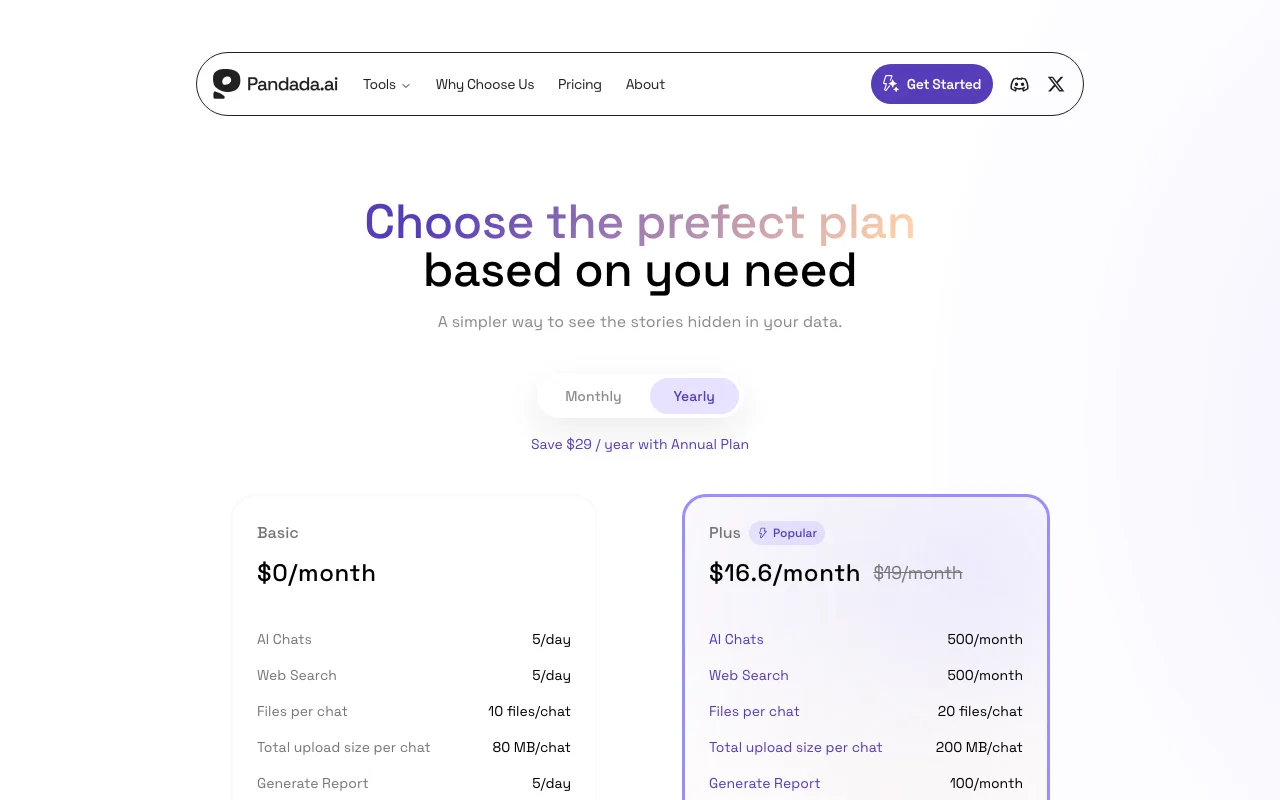
Wichtigste Einschränkung: Basic is limited to 5 chats, 5 web searches and 5 reports per day, and uploads are capped at 80 MB per chat.
Von den Redakteuren des AI Tool Atlas.
Auf Basis der offiziellen Dokumentation des Anbieters; wir haben dieses Produkt nicht selbst getestet. Was „dokumentierte Übersicht“ bedeutet
Für wen Pandada AI passt
Choose Pandada if you want code-free analysis of Excel files and PDFs, free within daily limits or Plus at $19 per month. Auf Basis der Dokumentation des Anbieters, nicht in einem praktischen Test.
Am besten für: Students writing data-based assignments
Auch gut geeignet für
Business users who need reports from spreadsheets
Ein anderes Tool in Betracht ziehen, wenn basic limited to 5 chats, 5 web searches and 5 reports per day
Oder wenn
Plus capped at 500 chats and 100 reports per month
Upload size capped (80 MB Basic, 200 MB Plus per chat)
Pandada AI Preise und Nutzungslimits
Preise am Oct 4, 2026 auf der offiziellen US-Preisseite geprüft. Offizielle Preise ↗ Preise und Limits ändern sich häufig.
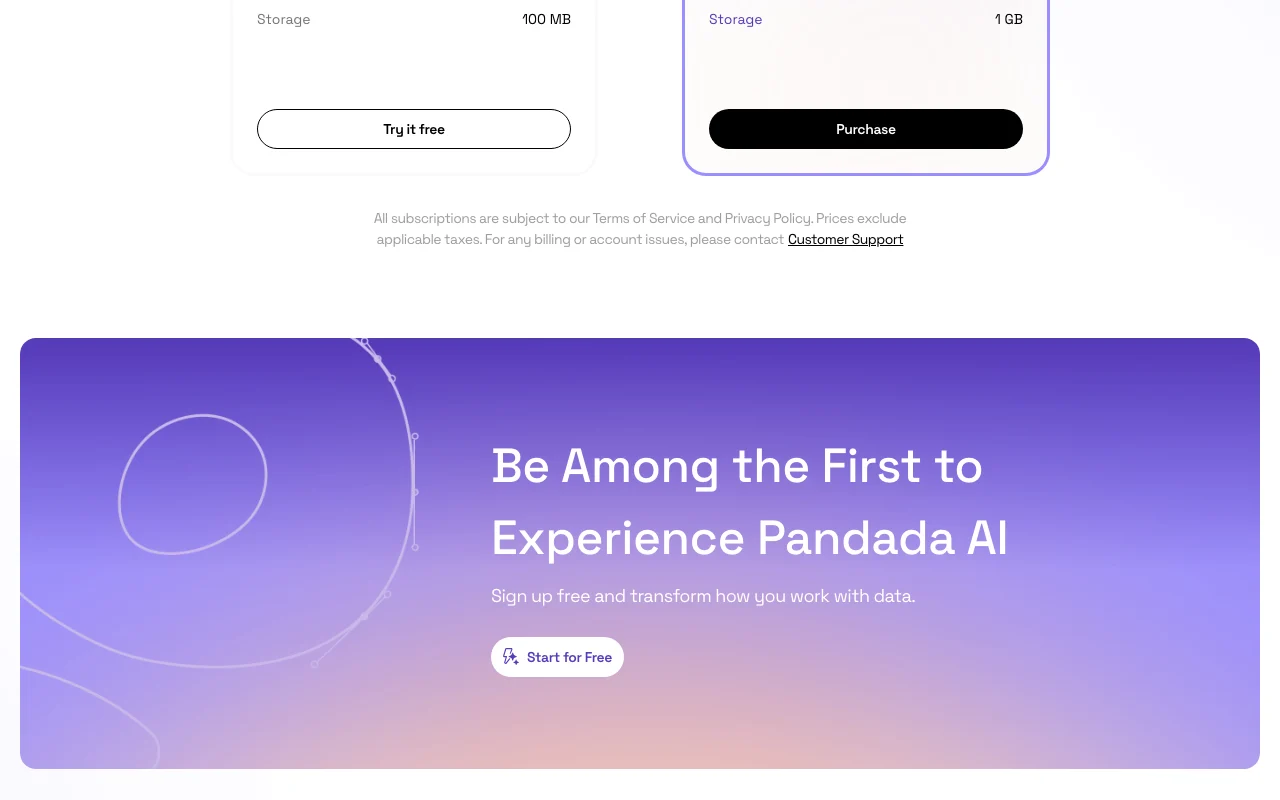
Die offizielle Pandada AI-Preisseite, wie wir sie gesehen haben. pandada.ai, erfasst Oct 2, 2026
Kostenloser Zugang und Testbedingungen
Basic free
Not stated
Kostenpflichtige Tarife: was sich beim Upgrade ändert
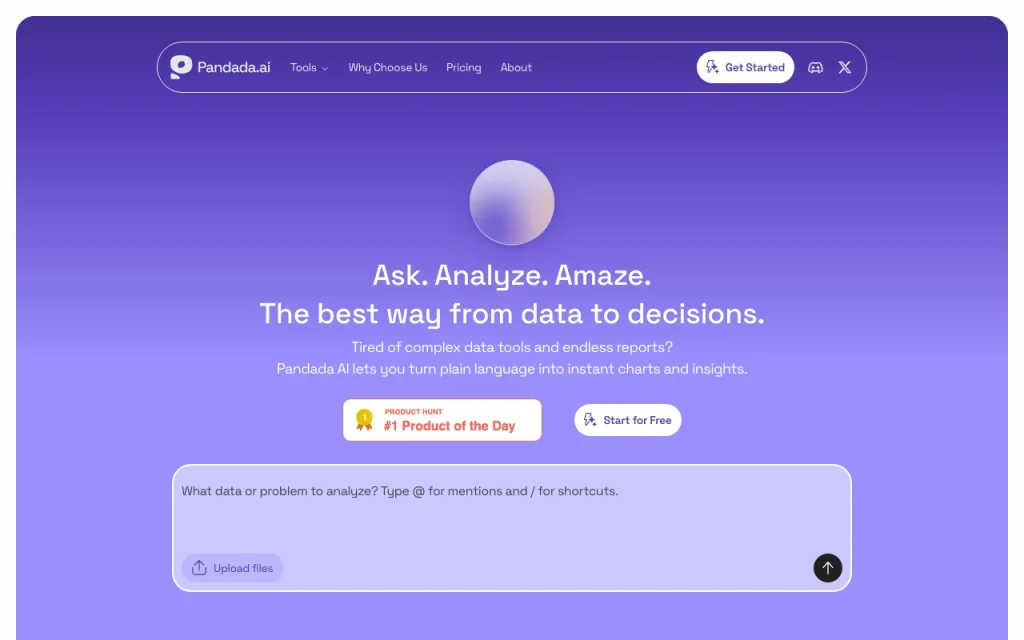
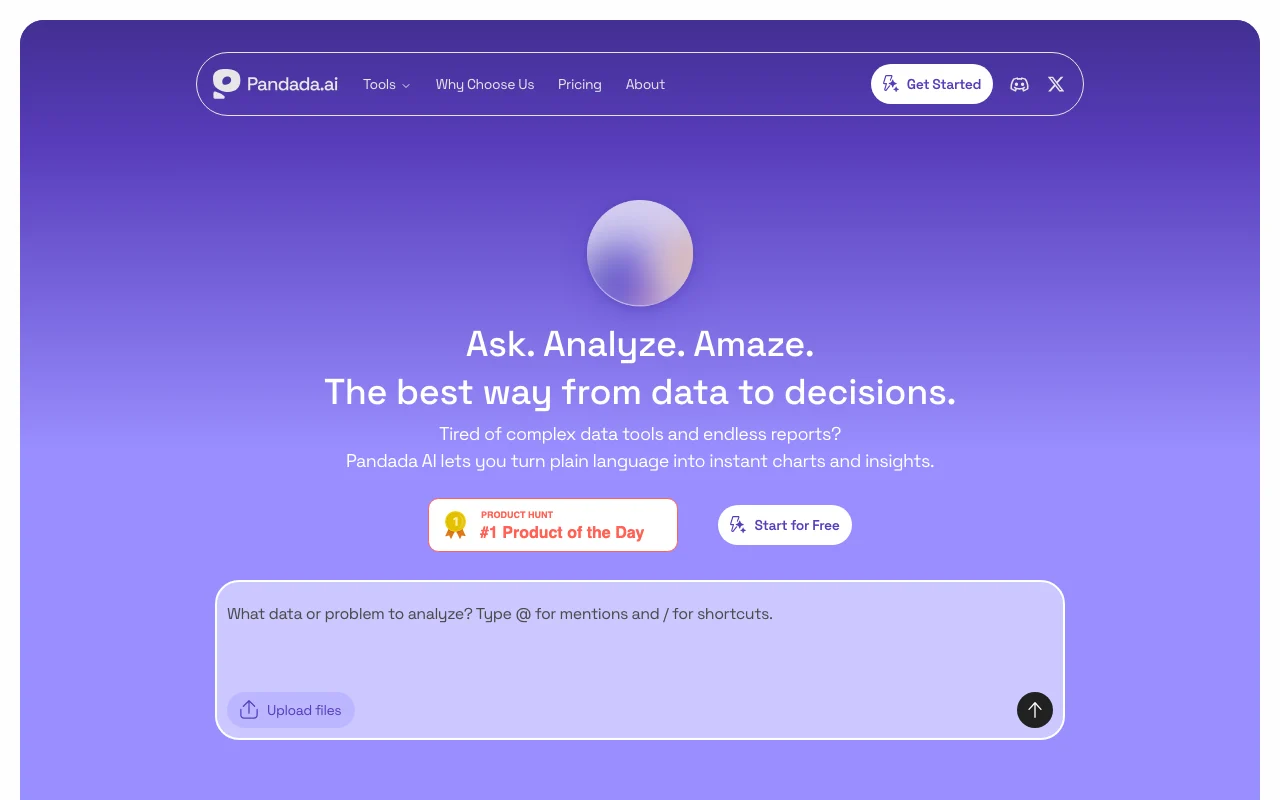
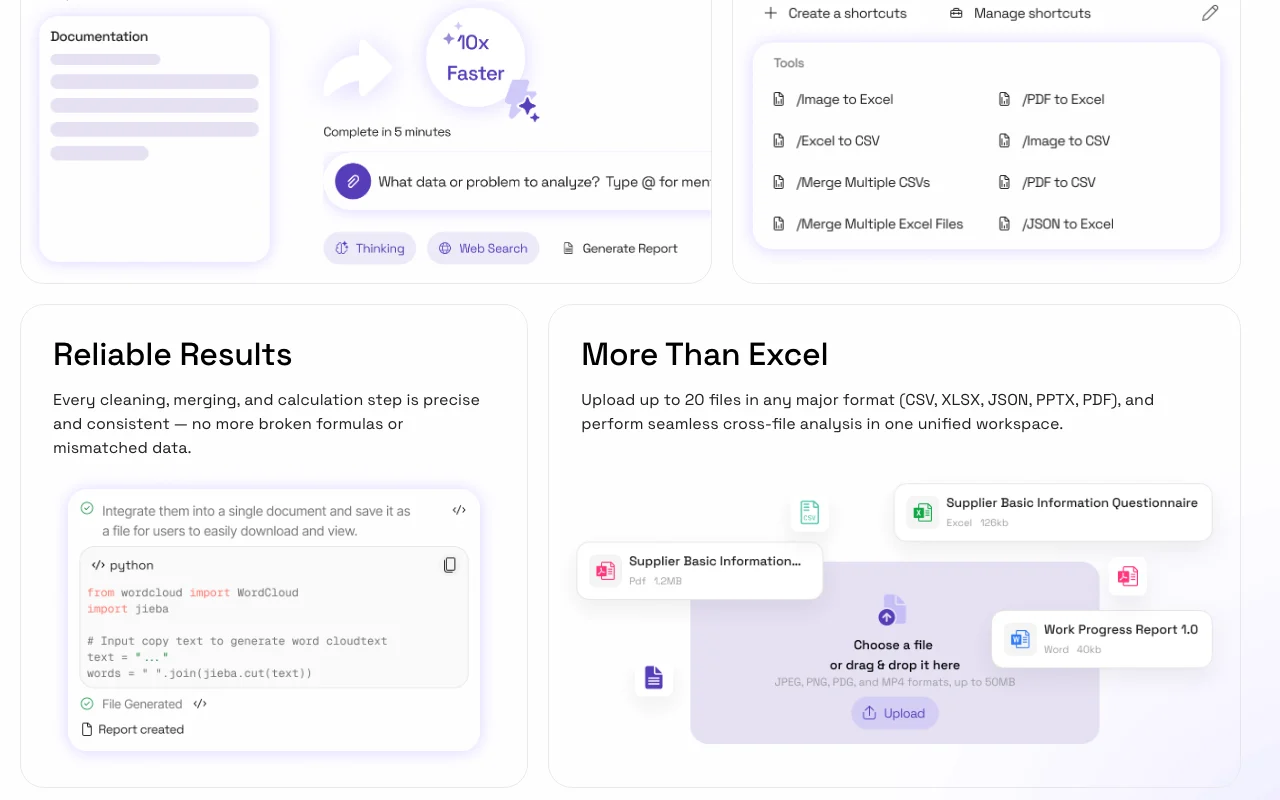
Pandada AI is an AI data analysis tool that turns uploaded files such as Excel sheets, PDFs and other data into insights and reports without writing code. The site positions it for assignments, research and business reports.
The pricing page lists a free Basic plan with daily limits on AI chats, web searches and report generation, and a paid Plus plan with higher monthly limits, larger uploads and more storage.
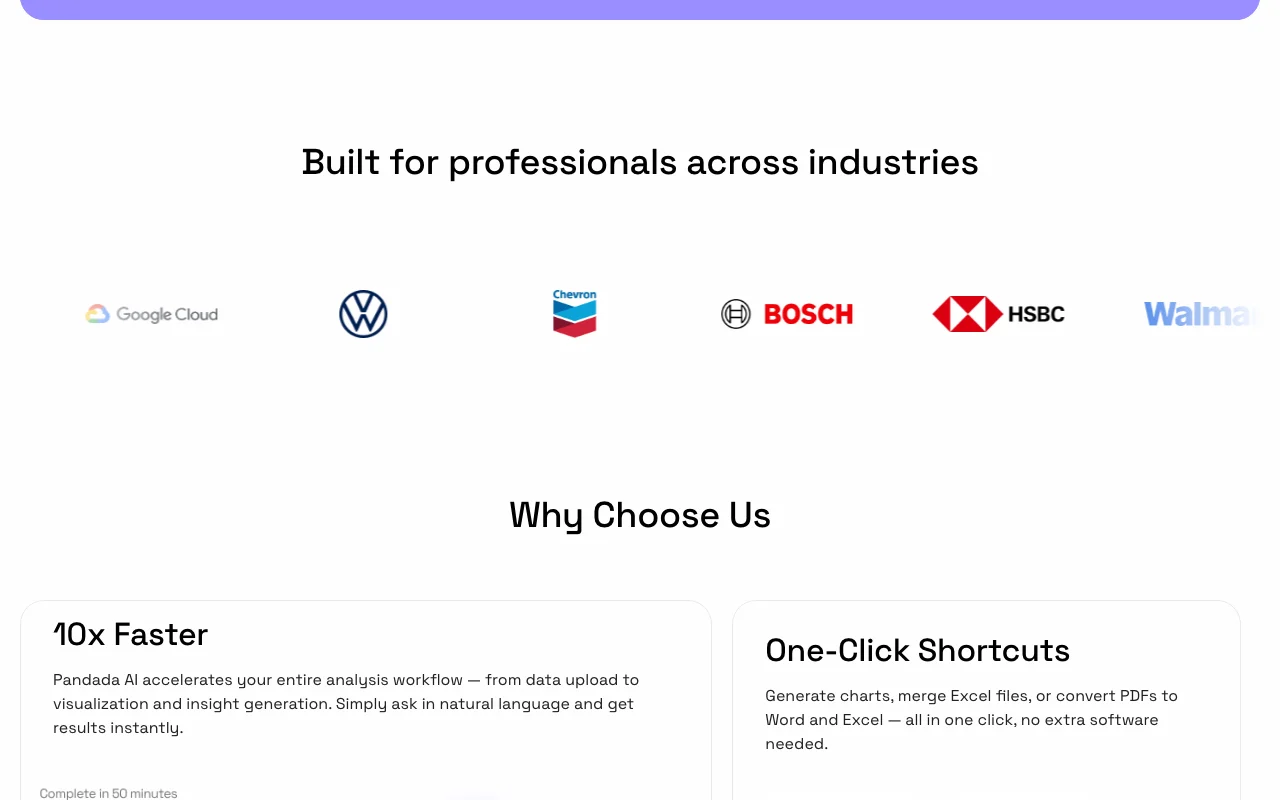
Offizielle Website von Pandada AI: So stellt sich das Produkt selbst dar. pandada.ai, erfasst Oct 2, 2026
Was Sie liefern und was Sie erhalten
Was Sie Pandada AI geben und was zurückkommt, laut Dokumentation
Sie liefern
Excel, PDF and data files
Questions
Sie erhalten zurück
Insights
Reports
Wo Sie es nutzen können
Konto
Erforderlich
Files
Excel, PDF
Basic uploads
10 files, 80 MB
Plus uploads
20 files, 200 MB
Reports
5/day, 100/month
Wofür Pandada AI genutzt wird
Die Szenarien erarbeiten unsere Redakteure anhand der Dokumentation; das tatsächliche Ergebnis hängt von Ihrer Eingabe und Ihrem Tarif ab.
Analyzing Excel files without code
Wer
Students
Sie liefern
A spreadsheet
Erwartetes Ergebnis
Pandada returns findings from the spreadsheet in plain language, without any code written by the student.
Free Basic plan with no charge The Basic plan costs nothing, so students and occasional users can analyse a file without paying.dokumentiertQuelle (öffnet in neuem Tab)
USD prices published, yearly discount offered Prices are published in USD with a lower rate for yearly billing, so you can work out the cost before signing up.dokumentiertQuelle (öffnet in neuem Tab)
No coding required per the homepage The homepage says no coding is needed, so people who do not write code can ask questions about their data in plain language.dokumentiertQuelle (öffnet in neuem Tab)
Vor dem Bezahlen bei Pandada AI prüfen
Basic limited to 5 chats, 5 web searches and 5 reports per day Basic allows only 5 chats, 5 web searches and 5 reports per day, so larger projects have to be spread over several days.dokumentiertQuelle (öffnet in neuem Tab)
Plus capped at 500 chats and 100 reports per month Plus caps use at 500 chats and 100 reports per month, so heavy users can still reach a limit on the paid plan.dokumentiertQuelle (öffnet in neuem Tab)
Upload size capped (80 MB Basic, 200 MB Plus per chat) Uploads are limited to 80 MB on Basic and 200 MB on Plus per chat, so very large data files may not fit.dokumentiertQuelle (öffnet in neuem Tab)
So nutzen Sie Pandada AI für analysing spreadsheets with AI
Pandada AI einrichten
Open pandada.ai and sign in.
Upload files.
Ask.
Beispiel: analysing spreadsheets with AI
Upload Excel.
Ask for trends.
Generate report.
Ergebnis prüfen und exportieren
Check numbers.
Compare source.
Von unserer Redaktion vorgeschlagener Beispiel-Prompt (keine aufgezeichnete Ausgabe des Produkts)
Summarise sales by region and flag outliers.
Datenschutz, Datennutzung und kommerzielle Rechte
Zusammengefasst aus den aktuellen Richtlinien des Anbieters; dies ist keine Rechtsberatung, und das Badge eines Anbieters ersetzt kein unabhängiges Audit.
Nicht verifiziert: Privacy; Platforms; Official pages could not be read as text (client-rendered or empty fetch); facts come from the verified seed research.
Wie wir diese Seite dokumentiert haben und pflegen
Jede Angabe zu Pandada AI oben stammt aus den 2 hier aufgeführten offiziellen Seiten, zuletzt verglichen am Oct 4, 2026; wir haben Pandada AI nicht selbst getestet, daher gibt es keine redaktionelle Bewertung. Wie wir Seiten prüfen und erneut prüfen.
Artikel aktualisiert Oct 2, 2026; Preise geprüft Oct 4, 2026. Ausgehende Links zu Anbietern sind einfache Links; wir erhalten keine Provisionen. So testen wir · Fehler melden
 (in voller Größe in neuem Tab öffnen)
 (in voller Größe in neuem Tab öffnen)
 (in voller Größe in neuem Tab öffnen)
 (in voller Größe in neuem Tab öffnen)
 (in voller Größe in neuem Tab öffnen)
 (in voller Größe in neuem Tab öffnen)