Unsere Einschätzung: Mixels suits indie developers and creators who want quick pixel-art sprites and avatars in the browser, with a free tier that includes the editor.
Wichtigste Einschränkung: The free plan gives only 3 AI generation tokens, and outputs are typically small pixel sizes from 32x32 to 128x128.
Von den Redakteuren des AI Tool Atlas.
Auf Basis der offiziellen Dokumentation des Anbieters; wir haben dieses Produkt nicht selbst getestet. Was „dokumentierte Übersicht“ bedeutet
Für wen Mixels.ai passt
Mixels suits indie developers and creators who want quick pixel-art sprites and avatars in the browser, with a free tier that includes the editor. Auf Basis der Dokumentation des Anbieters, nicht in einem praktischen Test.
Am besten für: Indie game developers
Auch gut geeignet für
Pixel artists
Ein anderes Tool in Betracht ziehen, wenn free plan has only 3 AI generation tokens
Oder wenn
Pro limited to 300 tokens per month
Resolutions typically 32x32 to 128x128
Mixels.ai Preise und Nutzungslimits
Preise am Oct 2, 2026 auf der offiziellen US-Preisseite geprüft. Offizielle Preise ↗ Preise und Limits ändern sich häufig.
Kostenloser Zugang und Testbedingungen
Free plan with Studio editor
Not stated
Kostenpflichtige Tarife: was sich beim Upgrade ändert
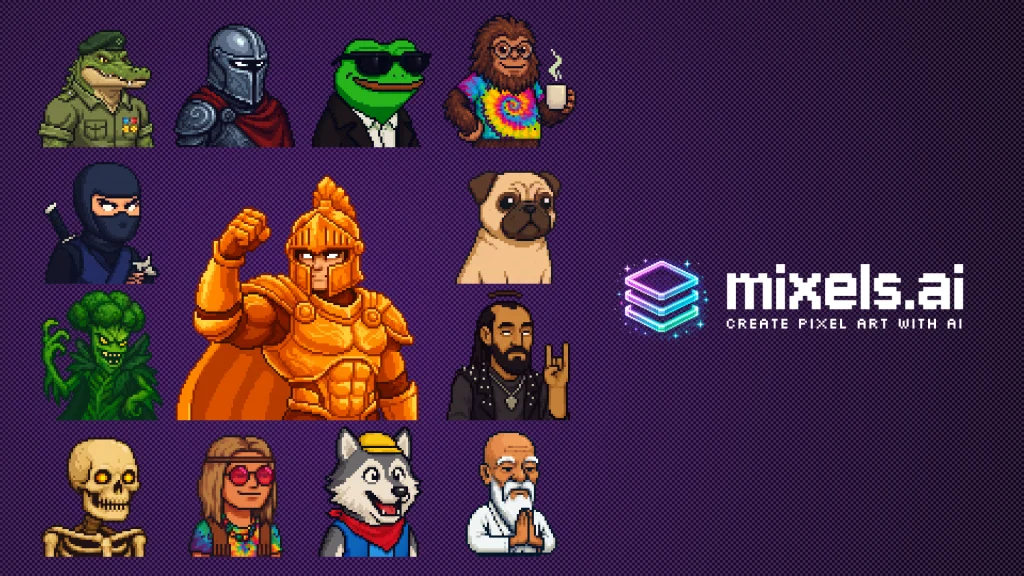
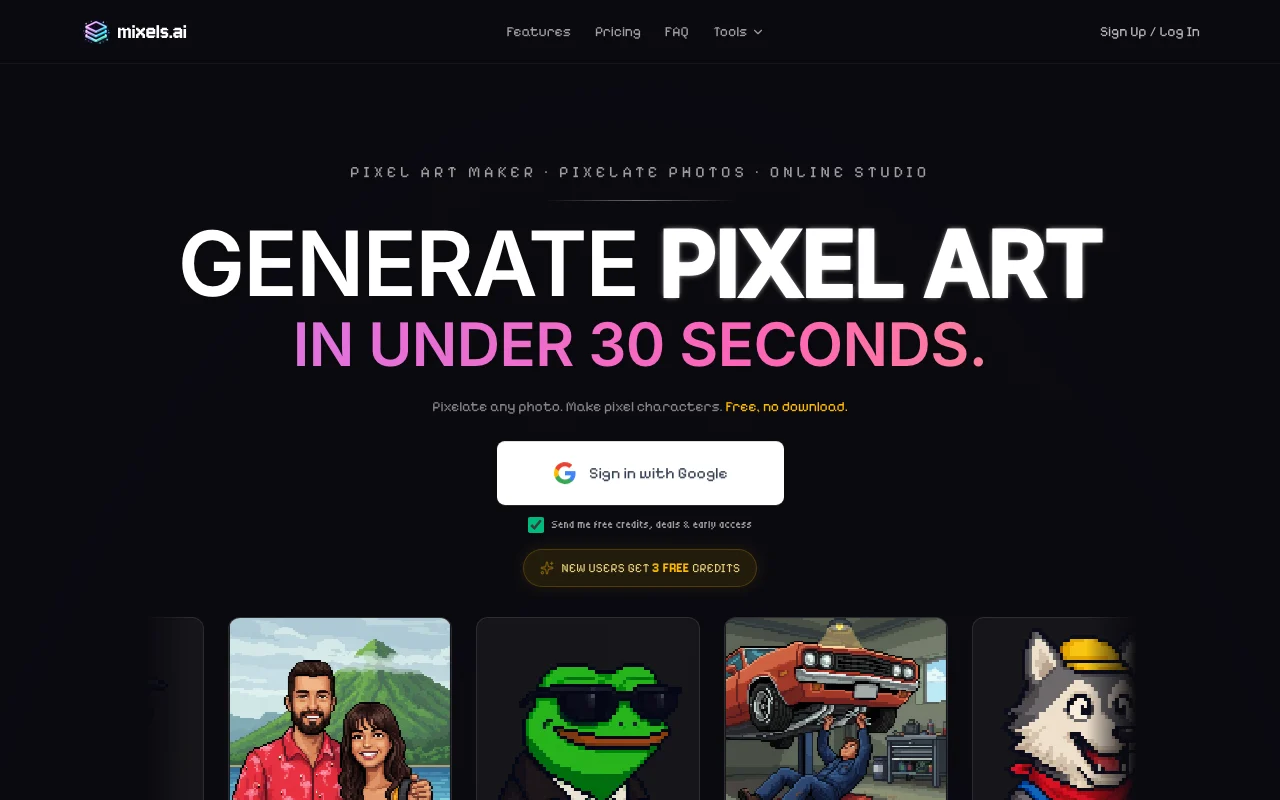
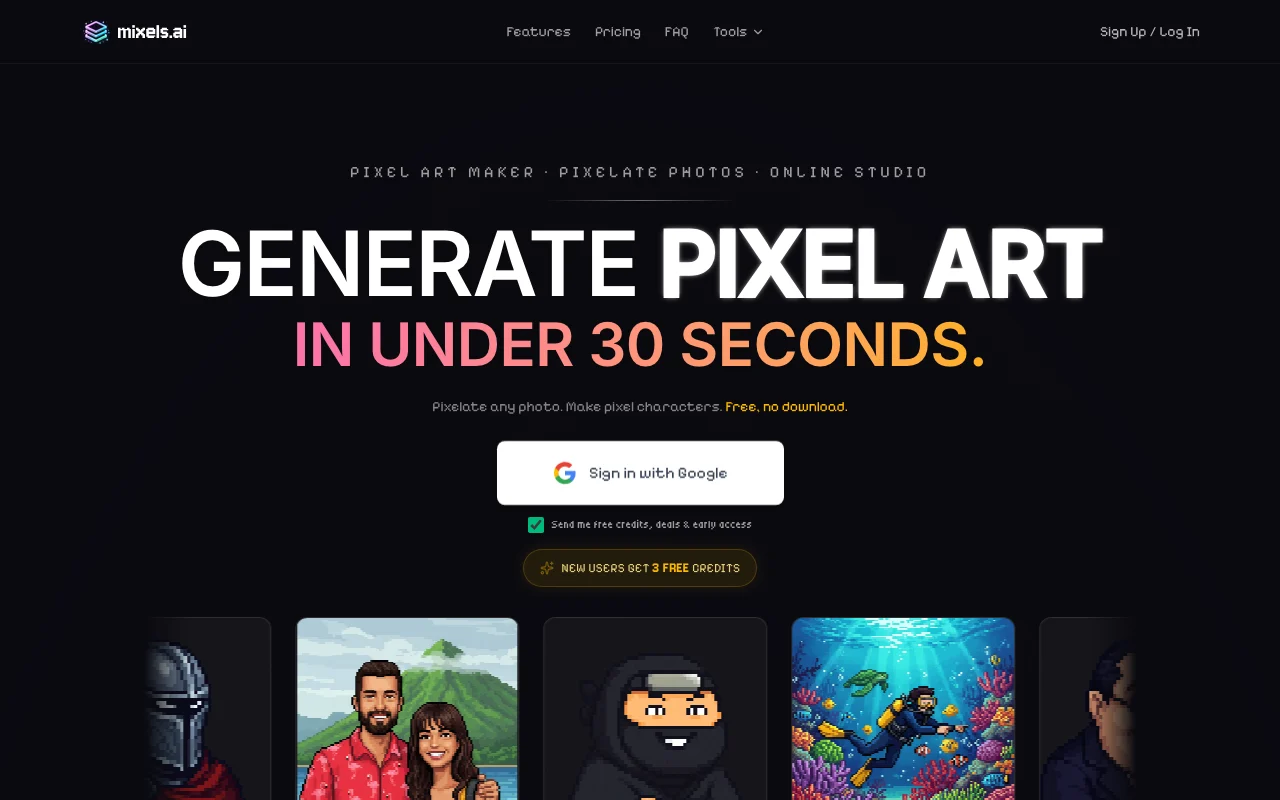
Mixels.ai generates grid-aligned pixel art characters and sprites and converts photos to pixel art. It includes a browser-based Studio editor with layers and PNG export.
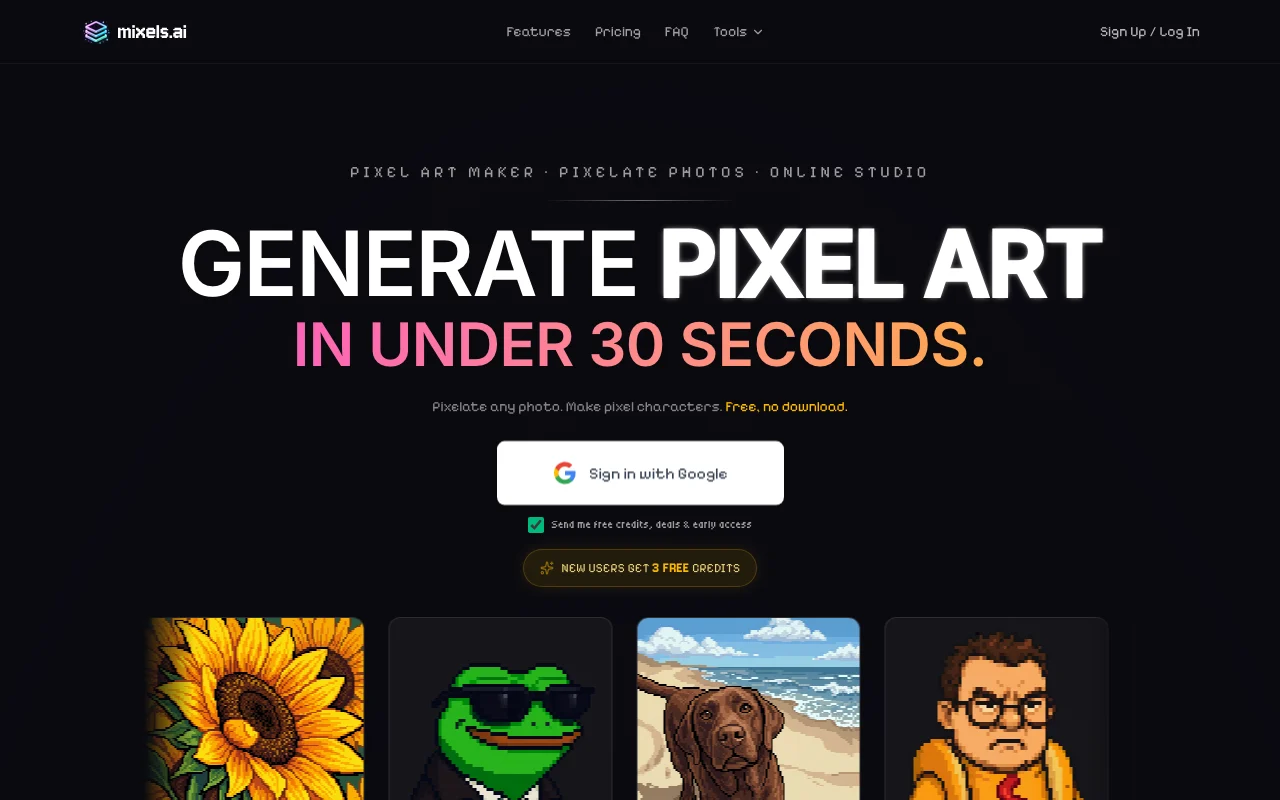
The homepage lists a free plan, a Pro plan and a Studio plan, and says no installation is needed.
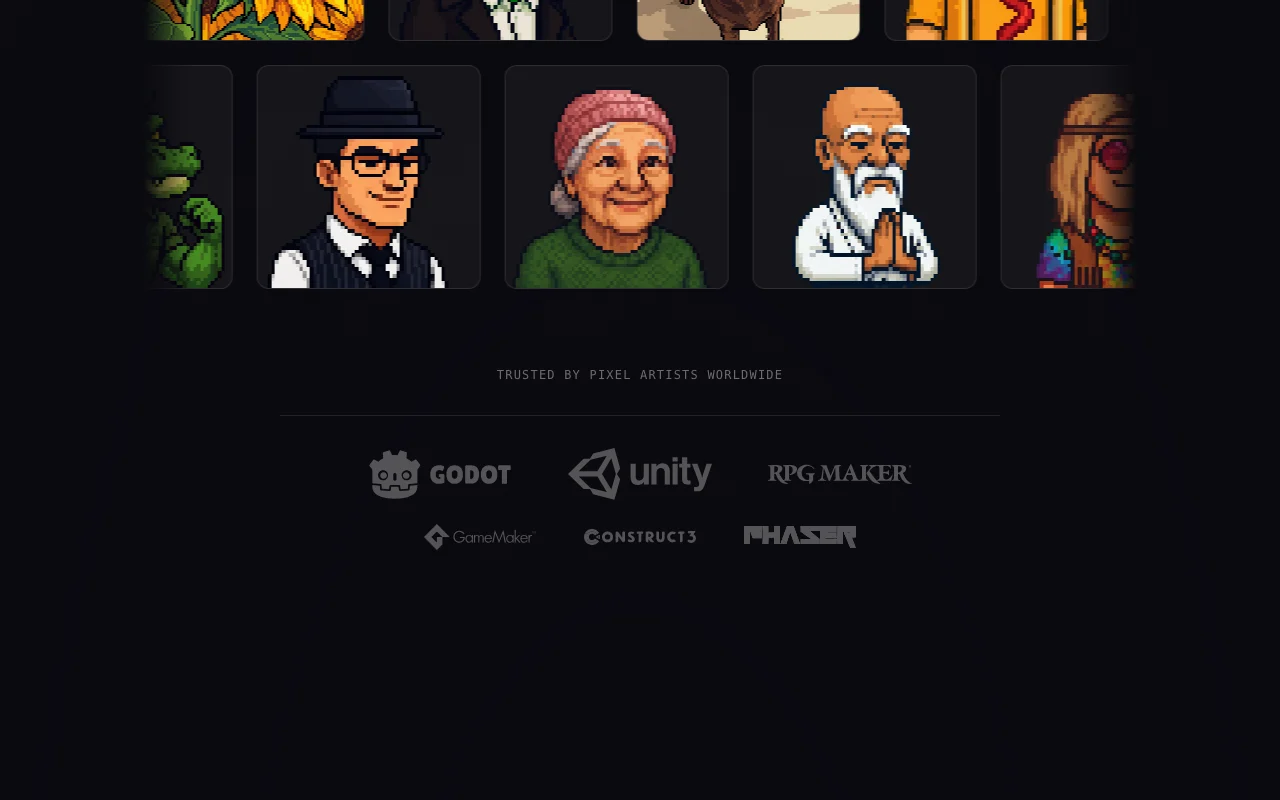
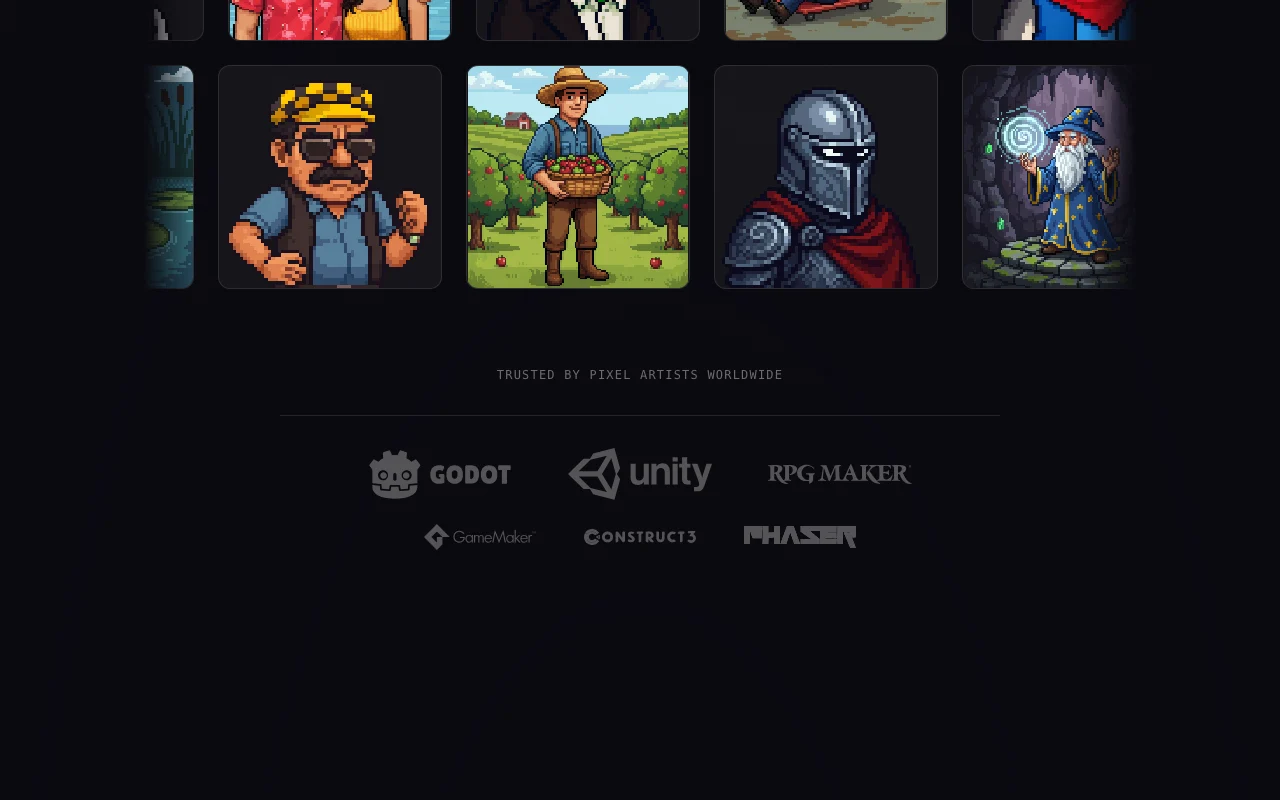
The official overview says outputs are grid-aligned with limited palettes, in standard sprite sizes (16x16 to 128x128), and exported as transparent PNG for engines such as Unity, Godot and GameMaker. It also lists a Pixel Doctor tool for fixing existing pixel art.
Offizielle Website von Mixels.ai: So stellt sich das Produkt selbst dar. mixels.ai, erfasst Oct 2, 2026
Was Sie liefern und was Sie erhalten
Was Sie Mixels.ai geben und was zurückkommt, laut Dokumentation
Sie liefern
Text prompts
Photos to convert
Sie erhalten zurück
Pixel-art sprites and avatars
PNG files with transparency
Wo Sie es nutzen können
Plattformen
Web
Konto
Erforderlich
Resolution
Typically 32x32 to 128x128
Export
PNG with transparency
Credits
3 / 300 / unlimited tokens
Commercial use
Stated on homepage
Wo Mixels.ai am nützlichsten ist
Die Szenarien erarbeiten unsere Redakteure anhand der Dokumentation; das tatsächliche Ergebnis hängt von Ihrer Eingabe und Ihrem Tarif ab.
Game sprites
Wer
Indie game developers
Sie liefern
A character description
Erwartetes Ergebnis
You get a pixel-art sprite that you can export as a transparent PNG and import into a game engine.
Benötigter Tarif
Free or Pro
Einschränkung
Output stays at small sprite sizes, typically 32x32 to 128x128, and each generation uses tokens from the plan. Quelle (öffnet in neuem Tab)
Social avatars
Wer
Social media users
Sie liefern
A short prompt
Erwartetes Ergebnis
You get a pixel-art avatar from a short text prompt that you can export as a PNG.
Benötigter Tarif
Free (3 tokens)
Einschränkung
The free plan has only 3 tokens, so only a few avatar attempts are possible before a paid plan is needed. Quelle (öffnet in neuem Tab)
Photo to pixel art
Wer
Hobbyists
Sie liefern
A photo
Erwartetes Ergebnis
You get a pixelated version of your photo that can be edited in the Studio editor and exported as a PNG.
Benötigter Tarif
Free or Pro
Einschränkung
The look of the converted photo depends on how the tool processes the image, and conversion uses tokens. Quelle (öffnet in neuem Tab)
Funktionen von Mixels.ai und ihre Grenzen
Funktionsüberblick auf der offiziellen Website. mixels.ai, erfasst Oct 2, 2026
AI character generator
Generates characters in pixel-art style from text. Developers and creators can get a first character draft from a text description instead of drawing every pixel by hand.
Zugriff: Free (3 AI tokens), Pro, StudioLimit: Each generation uses AI tokens, so the plan's token allowance caps how many characters you can make.Quelle (öffnet in neuem Tab)
Photo to pixel art converter
Converts a photo into pixel art. People who want an avatar from a real picture can convert a photo without redrawing it manually.
Zugriff: Free (3 AI tokens), Pro, StudioLimit: Each conversion uses AI tokens, so the plan's token allowance caps how many photos you can convert.Quelle (öffnet in neuem Tab)
Studio editor with layers
Includes a Studio editor with layers. Users can adjust a generated result in layers instead of regenerating it from scratch.
Free plan with Studio editor You can open the Studio editor and try the tool on the free plan before deciding whether to pay for a paid plan.dokumentiertQuelle (öffnet in neuem Tab)
Runs in the browser Because it runs in the browser, you can start making pixel art right away without installing anything on your computer.dokumentiertQuelle (öffnet in neuem Tab)
PNG export with transparency Transparent PNG export means finished sprites can be dropped into game engines such as Unity, Godot or GameMaker without extra background cleanup.dokumentiertQuelle (öffnet in neuem Tab)
Commercial use stated on homepage The homepage states commercial use, so you can check that statement before using the generated art in a paid project.dokumentiertQuelle (öffnet in neuem Tab)
Vor dem Bezahlen bei Mixels.ai prüfen
Free plan has only 3 AI generation tokens Three free tokens are used up after very few generations, so the free plan is only enough for a short trial of the generator.dokumentiertQuelle (öffnet in neuem Tab)
Pro limited to 300 tokens per month Pro includes 300 tokens per month, so heavy users who generate many sprites may reach the monthly limit before the month ends.dokumentiertQuelle (öffnet in neuem Tab)
Resolutions typically 32x32 to 128x128 Output sizes are typically 32x32 to 128x128, so the tool does not suit work that needs high-resolution artwork.dokumentiertQuelle (öffnet in neuem Tab)
Account likely required to save projects The profile says an account is likely needed to save projects, so expect to sign up before you can keep your work.dokumentiertQuelle (öffnet in neuem Tab)
So nutzen Sie Mixels.ai für making a pixel-art sprite
Mixels.ai einrichten
Open mixels.ai in a browser.
Start with the free plan.
Open the character generator.
Beispiel: making a pixel-art sprite
Describe your character.
Generate and pick a result.
Refine it in the Studio editor.
Export as PNG.
Ergebnis prüfen und exportieren
Check the PNG has a transparent background.
Check the resolution fits your game grid.
Von unserer Redaktion vorgeschlagener Beispiel-Prompt (keine aufgezeichnete Ausgabe des Produkts)
A small knight with a red cape, 64x64 pixel art, side view.
Datenschutz, Datennutzung und kommerzielle Rechte
Zusammengefasst aus den aktuellen Richtlinien des Anbieters; dies ist keine Rechtsberatung, und das Badge eines Anbieters ersetzt kein unabhängiges Audit.
Nicht verifiziert: Separate pricing page; Privacy terms; API.
Wie wir diese Seite dokumentiert haben und pflegen
Jede Angabe zu Mixels.ai oben stammt aus den 2 hier aufgeführten offiziellen Seiten, zuletzt verglichen am Oct 2, 2026; wir haben Mixels.ai nicht selbst getestet, daher gibt es keine redaktionelle Bewertung. Wie wir Seiten prüfen und erneut prüfen.
Artikel aktualisiert Oct 2, 2026; Preise geprüft Oct 2, 2026. Ausgehende Links zu Anbietern sind einfache Links; wir erhalten keine Provisionen. So testen wir · Fehler melden

 (in voller Größe in neuem Tab öffnen)
 (in voller Größe in neuem Tab öffnen)
 (in voller Größe in neuem Tab öffnen)
 (in voller Größe in neuem Tab öffnen)
 (in voller Größe in neuem Tab öffnen)
 (in voller Größe in neuem Tab öffnen)