Wideframe pricing in 2026: plans, limits and what is free
Wählen Sie Wideframe, wenn Sie in Premiere Pro auf einem Apple-Silicon-Mac schneiden und einen KI-Assistenten möchten, der Clips findet, Interviews aneinanderreiht und .prproj-Projekte erstellt, und Sie einen Monatspreis von $100 akzeptieren.
Starting price
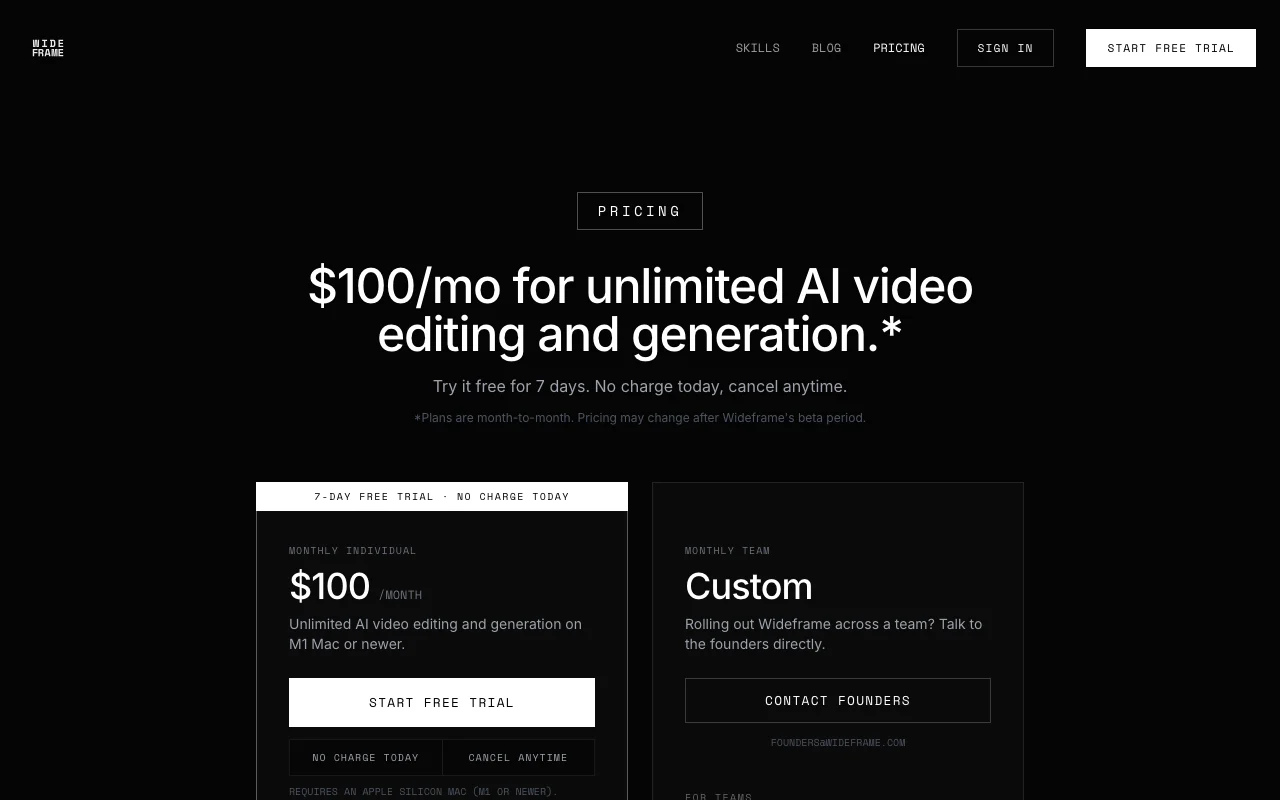
$100/mo (Individual)
Free option
Yes
Plans
2
Prices checked
Sep 29, 2026
Individual$100.00
Wideframe pricing page, captured
Our own captures of each vendor's public pages. Click a frame for the full-size image.
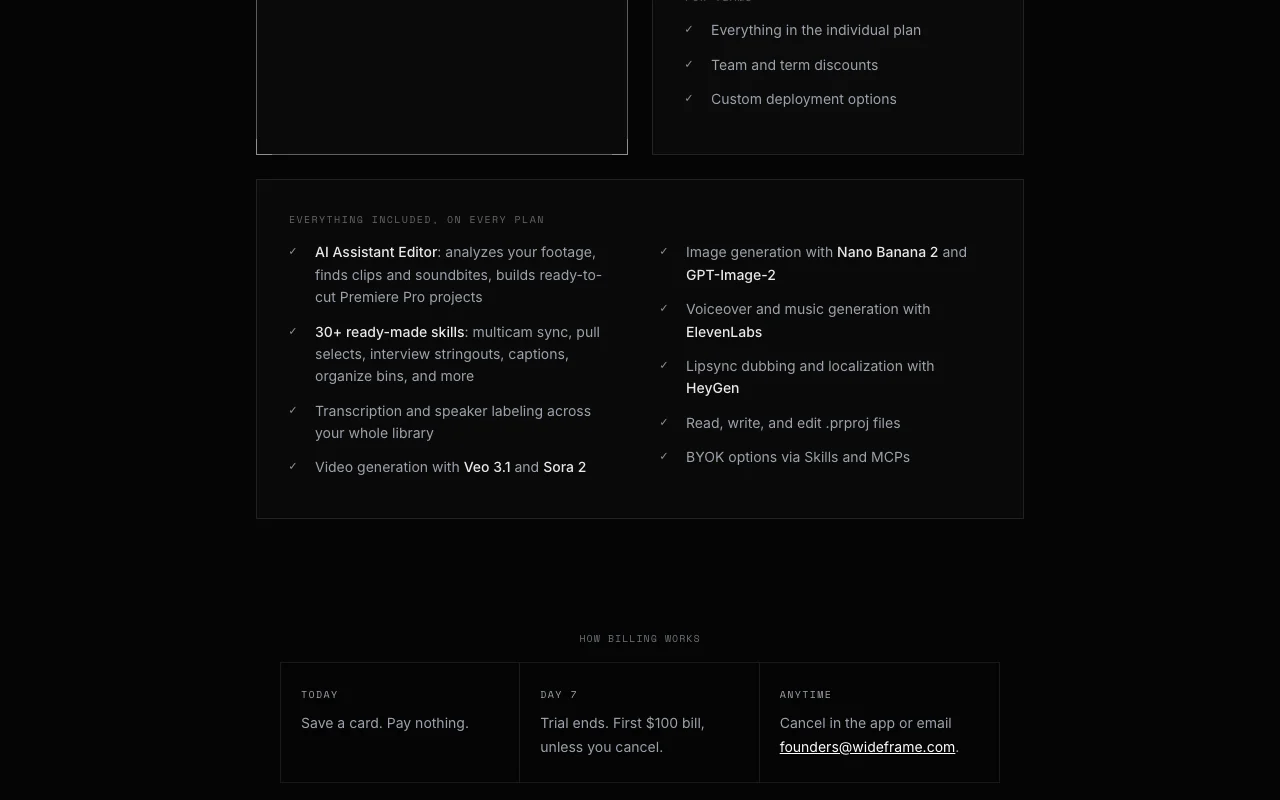
Wideframe plans as listed on its pricing page. try.wideframe.com, erfasst Oct 2, 2026More of the Wideframe pricing page. try.wideframe.com, erfasst Oct 2, 2026Wideframe homepage. try.wideframe.com, erfasst Oct 2, 2026
Wideframe plans compared
Plans and prices
Plan
Price
Billing
Who it is for
Key limits
API
Individual desktop
$100/mo
Monthly annual commitment
Premiere Pro editors
Apple Silicon Mac (M1 or newer)
Not stated
Team desktop
Individuelle Preise
Monthly annual commitment
Teams
Not stated
Not stated
What is free, what costs extra
Free access and trial
Keine
7 Tage; Karte wird hinterlegt, die erste Abbuchung von $100 erfolgt am Ende der Testphase
Extra costs and taxes
Keine angegeben
Nicht angegeben
Wideframe Preise und Nutzungslimits
Preise am Sep 29, 2026 auf der offiziellen US-Preisseite geprüft. Offizielle Preise ↗ Preise und Limits ändern sich häufig.
Kostenloser Zugang und Testbedingungen
Keine
7 Tage; Karte wird hinterlegt, die erste Abbuchung von $100 erfolgt am Ende der Testphase
Kostenpflichtige Tarife: was sich beim Upgrade ändert
At the listed prices, a single user pays between $1,200 and $1,200 a year on the fixed-price plans, or nothing on the free tier within its limits. Annual billing discounts, taxes and usage-based extras are listed per plan above where the vendor publishes them.
Wideframe FAQ
Wann wird abgebucht?
Heute nichts; die erste Abbuchung von $100 erfolgt am Ende der 7-tägigen Testphase, sofern Sie nicht kündigen. Quelle (öffnet in neuem Tab)
Wie kündige ich?
In der App unter Account > Billing oder per E-Mail; die Kündigung wird sofort wirksam. Quelle (öffnet in neuem Tab)