Free trial Web and desktop
Kostenlos Quelle (öffnet in neuem Tab)
Trial
Für: Evaluating
Limits
- Exports include a Tutorial AI watermark
Enthält
- Start free trial

VideoDokumentierter ÜberblickZuletzt geprüft Oct 2, 2026
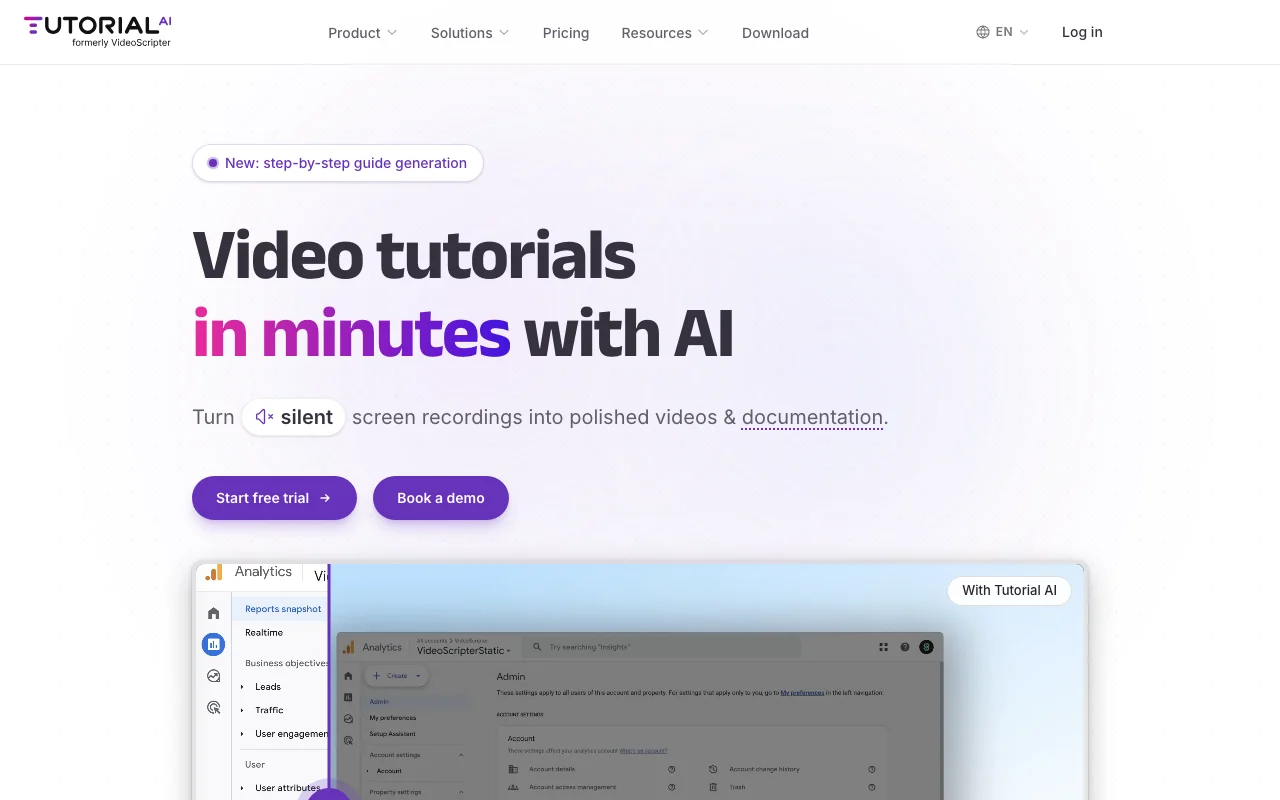
Turns screen recordings into narrated video tutorials and help articles with AI voices.
 (in voller Größe in neuem Tab öffnen)
 (in voller Größe in neuem Tab öffnen)
 (in voller Größe in neuem Tab öffnen)
 (in voller Größe in neuem Tab öffnen)
 (in voller Größe in neuem Tab öffnen)
 (in voller Größe in neuem Tab öffnen)
Unsere Einschätzung: Tutorial AI suits support, enablement and L&D teams that turn screen recordings into narrated video tutorials and written docs, and it can be tried through a free trial whose exports are watermarked.
Wichtigste Einschränkung: Video generation is capped by plan, from 2 hours per year on Solo to 12 hours on Team.
Tutorial AI suits support, enablement and L&D teams that turn screen recordings into narrated video tutorials and written docs, and it can be tried through a free trial whose exports are watermarked. Auf Basis der Dokumentation des Anbieters, nicht in einem praktischen Test.
Auch gut geeignet für
Oder wenn
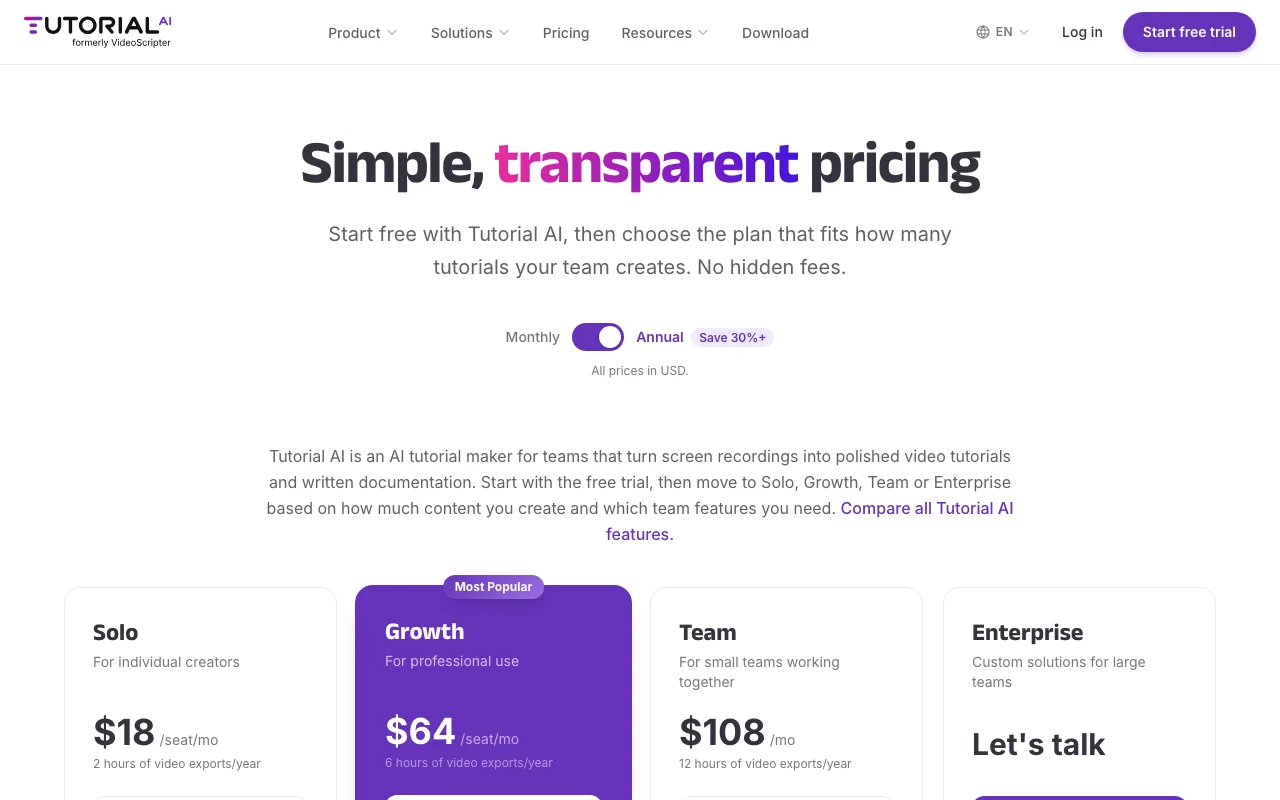
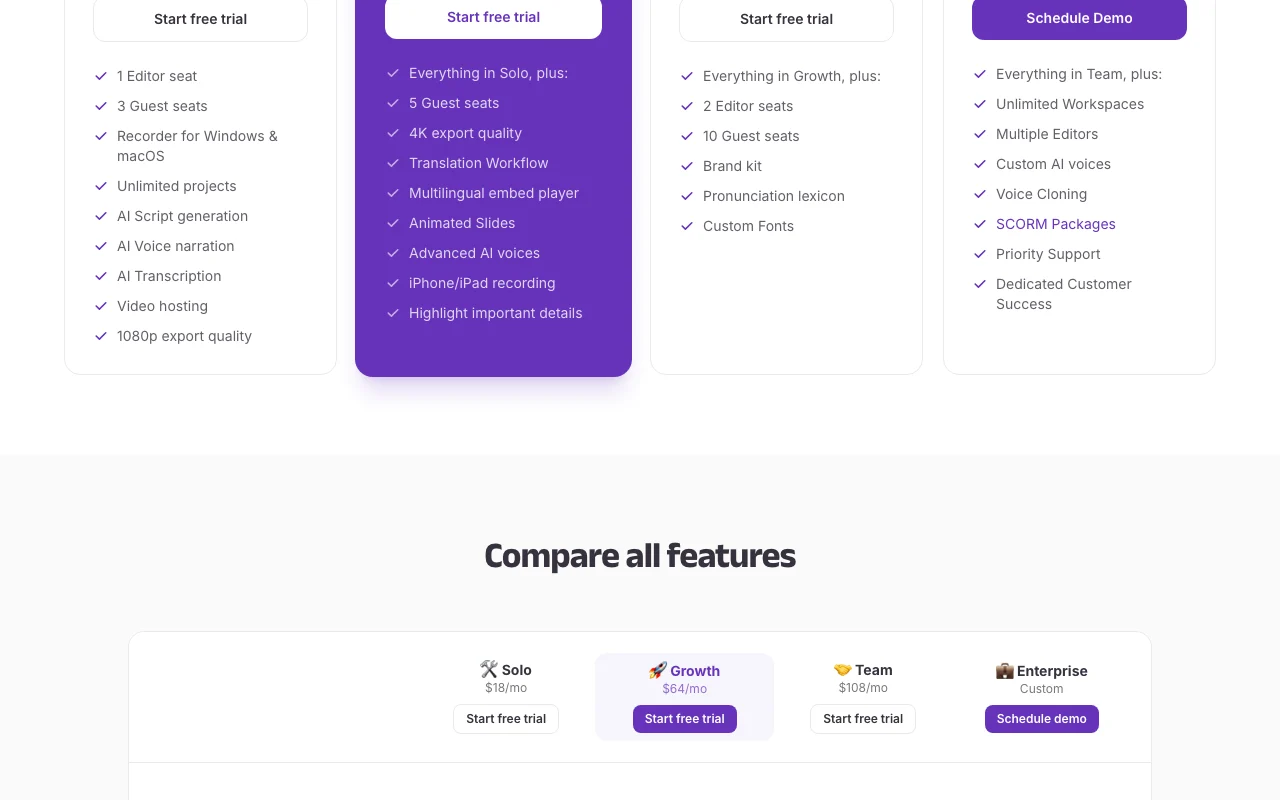
Preise am Oct 2, 2026 auf der offiziellen US-Preisseite geprüft. Offizielle Preise ↗ Preise und Limits ändern sich häufig.
Free trial; no permanent free plan stated.
Free trial exports carry a watermark.
Kostenlos Quelle (öffnet in neuem Tab)
Trial
Für: Evaluating
Limits
Enthält
Offizielle Preise ansehen Quelle (öffnet in neuem Tab)
Unbekannt
Page shows $18 per seat per month with a Monthly/Annual toggle (Annual saves 30%+); which period the figure reflects is unclear.
Für: Individual creators
Limits
Enthält
Offizielle Preise ansehen Quelle (öffnet in neuem Tab)
Unbekannt
Page shows $64 per seat per month; billing period unclear.
Für: Professional use
Limits
Enthält
Offizielle Preise ansehen Quelle (öffnet in neuem Tab)
Unbekannt
Page shows $108 per month; billing period unclear.
Für: Small teams
Limits
Enthält
Individuelle Preise Quelle (öffnet in neuem Tab)
Unbekannt
Für: Large teams
Enthält
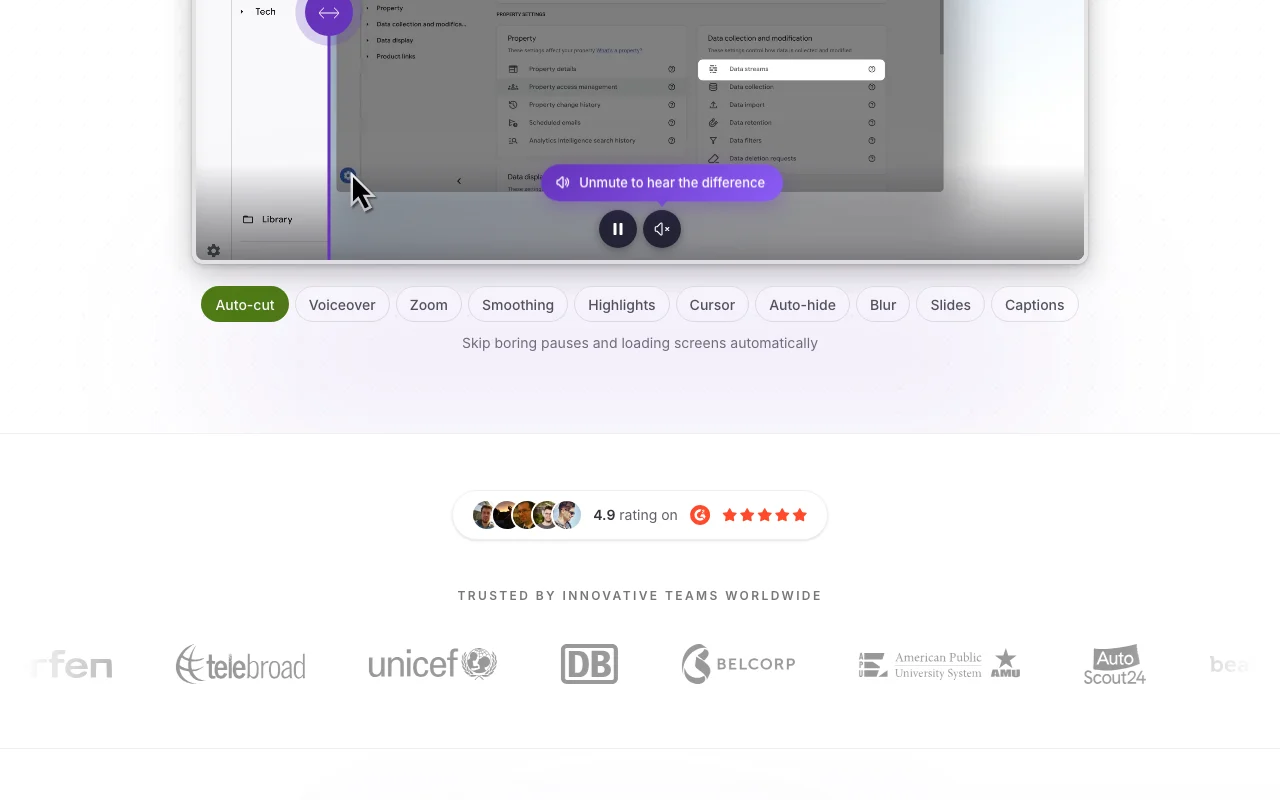
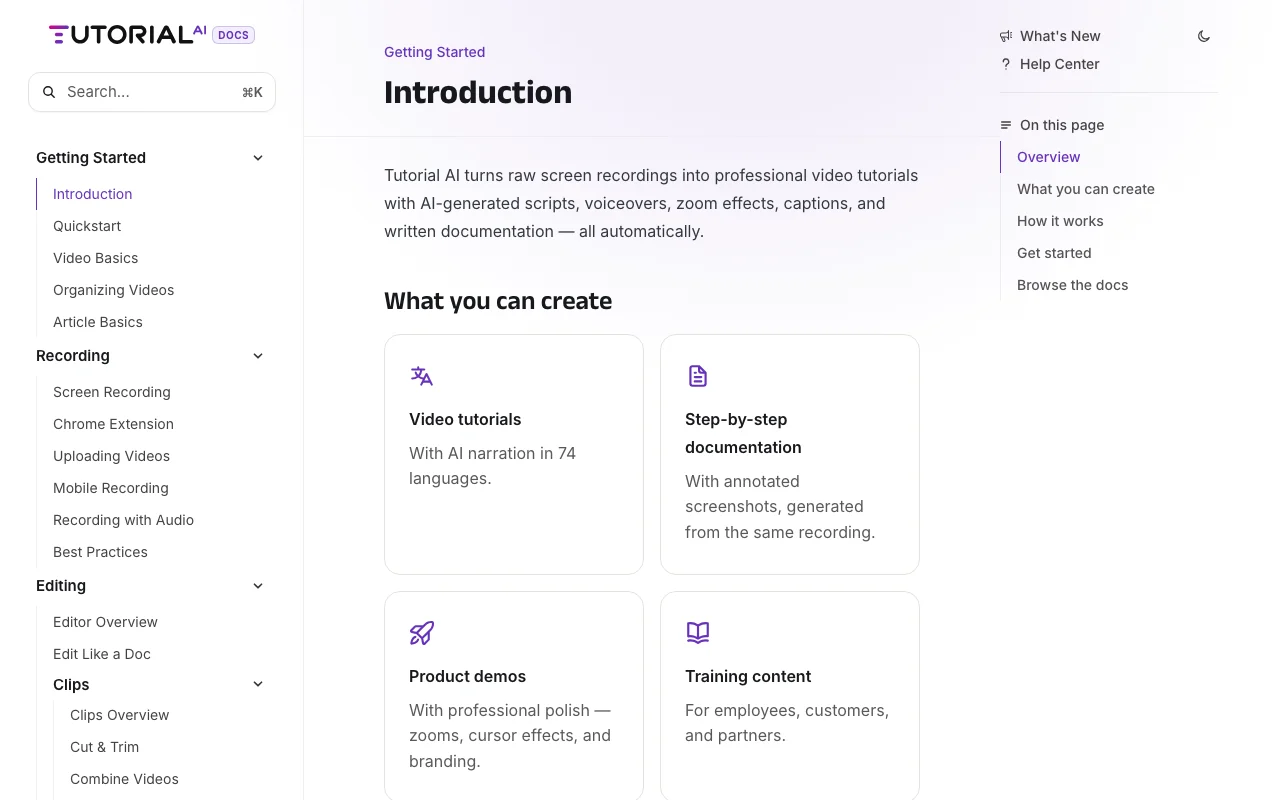
Tutorial AI converts screen recordings into polished tutorial videos, generating scripts and AI voiceover from the recording, plus written documentation with screenshots. It offers editing, captions, brand kits, translations into 74 languages and SCORM export, with a recorder for Windows and macOS and a Chrome extension.
Sie liefern
Sie erhalten zurück
Die Szenarien erarbeiten unsere Redakteure anhand der Dokumentation; das tatsächliche Ergebnis hängt von Ihrer Eingabe und Ihrem Tarif ab.
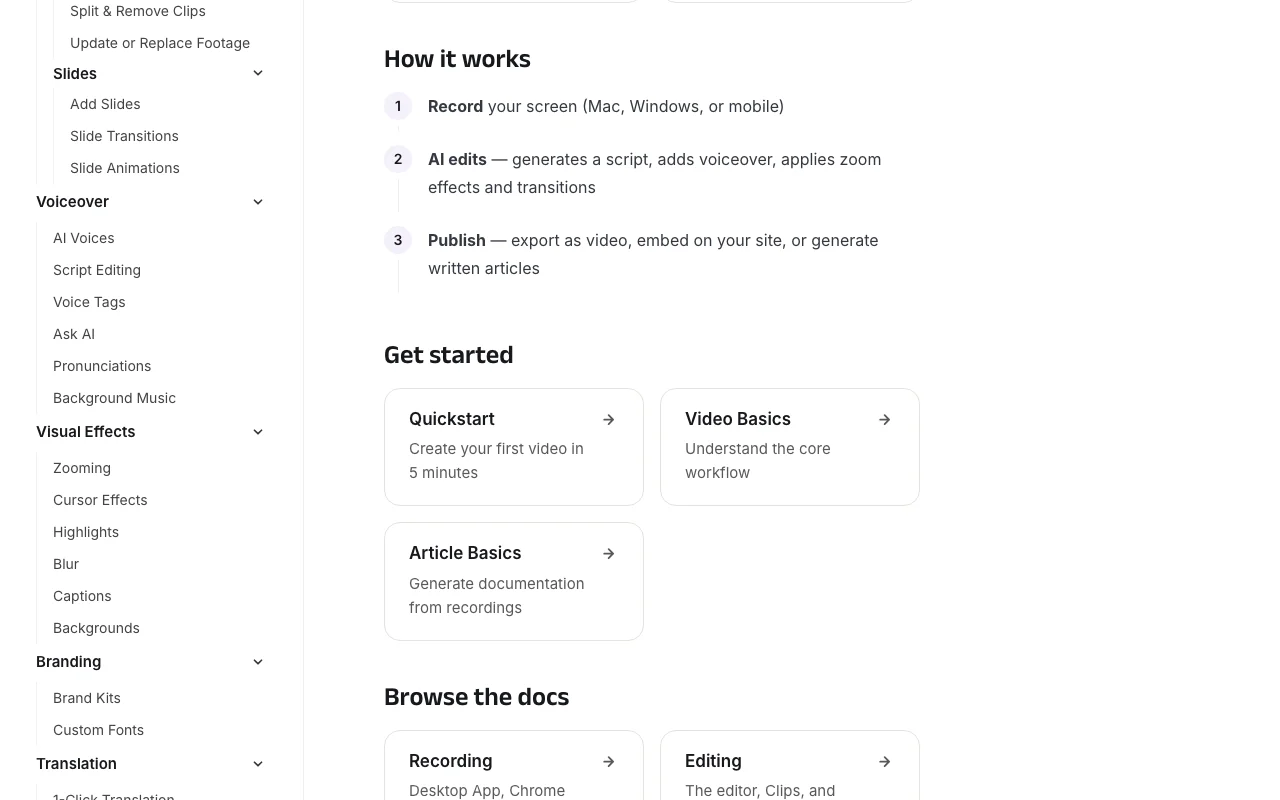
Watches your screen recording and writes a matching narration script that you can edit like a document. Removes manual script writing.
Replaces your voice with AI narration in 74 languages with regional accents. Produces consistent audio without re-recording.
Detects key interactions and adds smooth zoom and pan effects automatically. Guides viewers to what is clicked.
Translates voiceover, captions and documentation into 74 languages with timing adapted by AutoRetime. Localizes tutorials with one click.
Export: MP4, SRT, SBV, VTT, SCORM (Enterprise)
Tutorial AI hat laut offizieller Dokumentation keine öffentliche API. No API documented in fetched text. API-Dokumentation ↗
Zusammengefasst aus den aktuellen Richtlinien des Anbieters; dies ist keine Rechtsberatung, und das Badge eines Anbieters ersetzt kein unabhängiges Audit.
Recordings are hosted on Tutorial AI servers when you use video hosting.
Free trial exports carry a watermark; paid plans do not.
Richtlinien: tutorial.ai/privacy
„Besser geeignet“ beruht auf dokumentierten Funktionen und Preisen, nicht auf einem direkten Test.
| Alternative | Wann Sie es wählen sollten | Preise | Einschränkung | |
|---|---|---|---|---|
| Synthesia | You want presenter videos instead of screen tutorials | See vendor page | Not screen-recording based | Vergleichen |
| Descript | You edit general recordings | See vendor page | Less focused on software tutorials | Vergleichen |
Noch keine Nutzerbewertungen.
Verwendet Tutorial AI? Teilen Sie als Erste oder Erster Ihre Erfahrung.
2 hours of video exports per year on Solo, 6 on Growth and 12 on Team. Quelle (öffnet in neuem Tab)
Only free trial exports include a small Tutorial AI watermark; paid plans are watermark-free. Quelle (öffnet in neuem Tab)
Windows 10 or later and macOS 13.1 or later, plus a Chrome extension. Quelle (öffnet in neuem Tab)
74 languages for AI voiceovers, captions and translations. Quelle (öffnet in neuem Tab)
Yes, voice cloning and custom voices are listed for Enterprise. Quelle (öffnet in neuem Tab)
Nicht verifiziert: Whether displayed prices are monthly or annual billing; Privacy page text not captured; Download page not refetched.
Jede Angabe zu Tutorial AI oben stammt aus den 4 hier aufgeführten offiziellen Seiten, zuletzt verglichen am Oct 2, 2026; wir haben Tutorial AI nicht selbst getestet, daher gibt es keine redaktionelle Bewertung. Wie wir Seiten prüfen und erneut prüfen.
Artikel aktualisiert Oct 2, 2026; Preise geprüft Oct 2, 2026. Ausgehende Links zu Anbietern sind einfache Links; wir erhalten keine Provisionen. So testen wir · Fehler melden
compare>