Unsere Einschätzung: OpenHistory is a good fit for Mac users who want a private, on-device timeline of their work that local MCP-capable agents like Claude Cowork or ChatGPT Desktop can search, with the code open source under MIT.
Wichtigste Einschränkung: It runs only on macOS 14 or later, on-device summaries need Apple Intelligence on macOS 26, and cloud summaries need your own provider key.
Von den Redakteuren des AI Tool Atlas.
Auf Basis der offiziellen Dokumentation des Anbieters; wir haben dieses Produkt nicht selbst getestet. Was „dokumentierte Übersicht“ bedeutet
Für wen OpenHistory geeignet ist
OpenHistory is a good fit for Mac users who want a private, on-device timeline of their work that local MCP-capable agents like Claude Cowork or ChatGPT Desktop can search, with the code open source under MIT. Auf Basis der Dokumentation des Anbieters, nicht in einem praktischen Test.
Am besten für: Mac users who want a private work log
Auch gut geeignet für
People running local MCP-capable AI agents
Developers who prefer open-source, self-inspectable tools
Ein anderes Tool in Betracht ziehen, wenn macOS 14 or later only; no Windows, Linux or mobile app
Oder wenn
On-device summaries need an Apple Intelligence-capable Mac on macOS 26+
Cloud summaries require supplying your own paid provider API key
OpenHistory Preise und Nutzungslimits
Preise am Oct 1, 2026 auf der offiziellen US-Preisseite geprüft. Preise und Limits ändern sich häufig.
Preisseite des Anbieters vor 11 Tagen automatisch neu geprüft: keine Änderungen festgestellt.
Kostenloser Zugang und Testbedingungen
Free Mac download; no price or plan is stated
None
Kostenpflichtige Tarife: was sich beim Upgrade ändert
Optional OpenAI, Anthropic or Kimi API usage billed by those providers if you connect them
unknown
Was ist OpenHistory und wie funktioniert es?
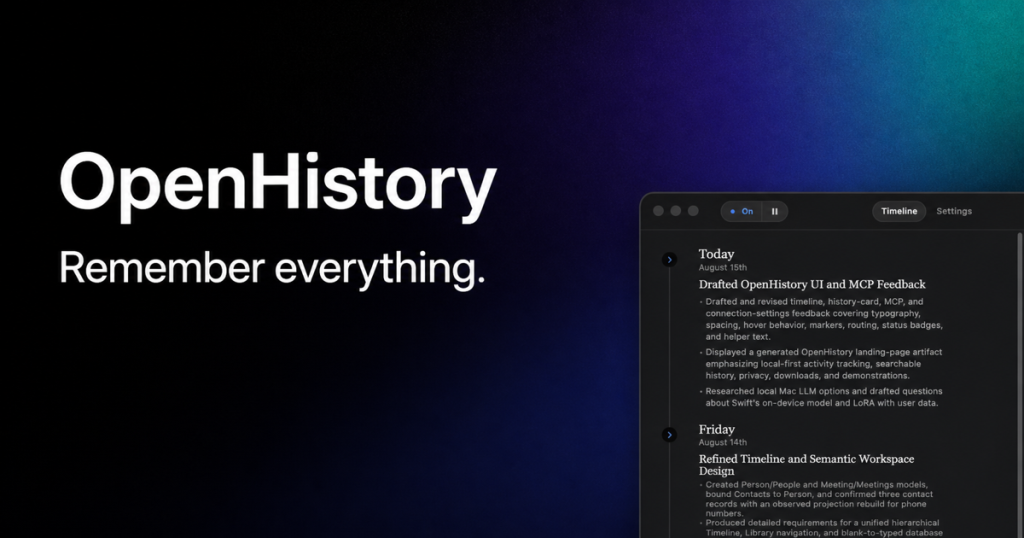
OpenHistory is a macOS app that observes which apps and windows you work in (using the Accessibility permissions you grant) and turns the day into a concise timeline of completed work, decisions and open threads. It does not take screenshots or record audio, camera or keystrokes, and all activity, summaries and settings stay in a permission-restricted folder on the Mac.
Summaries can run with Apple's on-device model, or you can optionally plug in your own OpenAI, Anthropic or Kimi API key. Local AI agents such as ChatGPT Desktop or Claude Cowork connect through an authenticated local MCP server and get a redacted, read-only view of the timeline so you can ask questions like what you were working on before lunch.
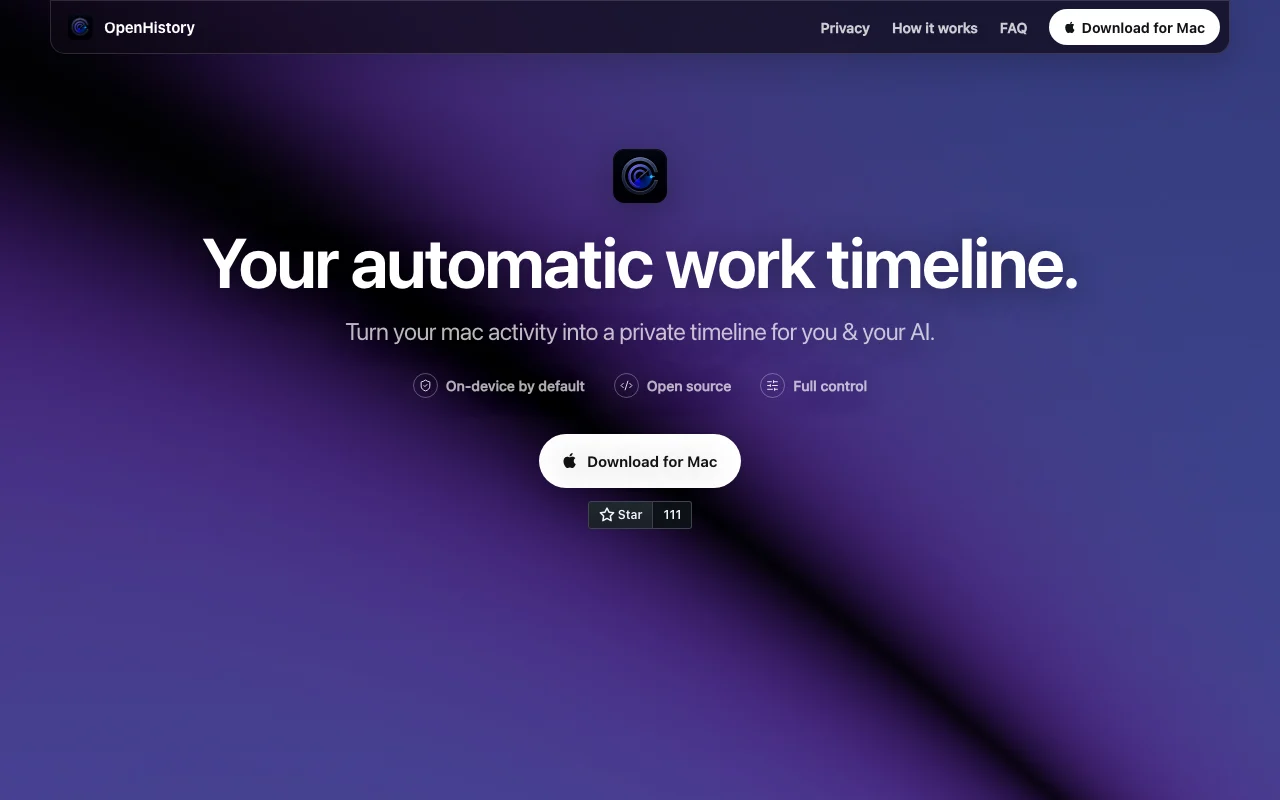
Offizielle Website von OpenHistory: So stellt sich das Produkt selbst dar. openhistory.sh, erfasst Oct 1, 2026
Was Sie liefern und was Sie erhalten
Was Sie OpenHistory geben und was zurückkommt, laut Dokumentation
Sie liefern
Foreground apps and permitted macOS Accessibility context
Window names, browser domains and visible interface text you allow
Optional provider API key
Sie erhalten zurück
Timeline of completed work, decisions and open threads
Daily rollups
Redacted read-only view for local agents via MCP
Wo Sie es nutzen können
Plattformen
Desktop
Konto
Erforderlich
Die besten Einsatzzwecke für OpenHistory
Die Szenarien erarbeiten unsere Redakteure anhand der Dokumentation; das tatsächliche Ergebnis hängt von Ihrer Eingabe und Ihrem Tarif ab.
Reconstructing what you worked on during the day without manual time tracking
Wer
Knowledge workers on Mac
Sie liefern
Normal day of app activity
Erwartetes Ergebnis
Timeline showing what you did without manual tracking
Open source under the MIT license (GitHub) You can read and build the code yourselfdokumentiertQuelle (öffnet in neuem Tab)
Data stays on the Mac by default; app sends no telemetry Nothing is uploaded unless you opt indokumentiertQuelle (öffnet in neuem Tab)
Works without any API key using Apple on-device inference Basic use is freedokumentiertQuelle (öffnet in neuem Tab)
One-click pause and full local data deletion You can stop collection or wipe data instantlydokumentiertQuelle (öffnet in neuem Tab)
Einschränkungen, die Sie vor dem Bezahlen prüfen sollten
macOS 14 or later only; no Windows, Linux or mobile app Windows and Linux users are excludeddokumentiertQuelle (öffnet in neuem Tab)
On-device summaries need an Apple Intelligence-capable Mac on macOS 26+ Older Macs rely on paid cloud keysdokumentiertQuelle (öffnet in neuem Tab)
Cloud summaries require supplying your own paid provider API key Less context if you refuse permissiondokumentiertQuelle (öffnet in neuem Tab)
Richer context requires granting macOS Accessibility permission Setup needs decisions on defaults such as email activitydokumentiertQuelle (öffnet in neuem Tab)
So nutzen Sie OpenHistory für building a private work timeline on a Mac
OpenHistory einrichten
Download OpenHistory for Mac from openhistory.sh
Accept the first-run notice and grant Accessibility permission
Choose a summary option: Apple on-device or your own API key
Beispiel: building a private work timeline on a Mac
Work normally while OpenHistory observes in the background
Review the generated daily timeline
Approve a local agent such as Claude Cowork to connect over MCP
Ask it what you were working on before lunch
Ergebnis prüfen und exportieren
Check in Settings which capture categories and apps are enabled
Use Pause or Delete all local data to confirm you control collection
Von unserer Redaktion vorgeschlagener Beispiel-Prompt (keine aufgezeichnete Ausgabe des Produkts)
What was I working on before lunch, and which tasks are still open?
OpenHistory API
API-Zugang und separate Abrechnung
OpenHistory hat laut offizieller Dokumentation keine öffentliche API. Authenticated local MCP server giving a redacted read-only timeline
Datenschutz, Datennutzung und kommerzielle Rechte
Zusammengefasst aus den aktuellen Richtlinien des Anbieters; dies ist keine Rechtsberatung, und das Badge eines Anbieters ersetzt kein unabhängiges Audit.
Wie Ihre Eingaben und Ausgaben verarbeitet werden
Activity, summaries, settings and encrypted keys stored in a permission-restricted local directory
No telemetry; nothing sent to cloud providers unless you configure one
Kept locally until you delete; Delete all local data removes everything
Foreground apps and permitted Accessibility context such as window names, browser domains, clicks and visible interface text, but no screenshots, audio, camera or keystrokes. Quelle (öffnet in neuem Tab)
Does my data leave my Mac?
Not by default; nothing goes to OpenAI, Anthropic or Kimi unless you choose that provider and supply a key. Quelle (öffnet in neuem Tab)
What are the system requirements?
macOS 14 or later, with Apple On-Device summaries needing an Apple Intelligence Mac on macOS 26 or later. Quelle (öffnet in neuem Tab)
How do AI agents access my history?
Approved local agents connect to an authenticated MCP server on your Mac and see a redacted, read-only timeline. Quelle (öffnet in neuem Tab)
Can I delete everything?
Yes, Delete all local data removes activity, summaries, settings, saved keys and agent connections. Quelle (öffnet in neuem Tab)
Nicht verifiziert: Price beyond free download; Docs page (404).
Wie wir diese Seite dokumentiert haben und pflegen
Jede Angabe zu OpenHistory oben stammt aus den 3 hier aufgeführten offiziellen Seiten, zuletzt verglichen am Oct 1, 2026; wir haben OpenHistory nicht selbst getestet, daher gibt es keine redaktionelle Bewertung. Wie wir Seiten prüfen und erneut prüfen.
Artikel aktualisiert Oct 10, 2026; Preise geprüft Oct 1, 2026. Ausgehende Links zu Anbietern sind einfache Links; wir erhalten keine Provisionen. So testen wir · Fehler melden