Unsere Einschätzung: Nimbalyst suits developers and product teams who already use Claude Code or Codex and want an open-source visual workspace with editors, sessions, trackers and diff approval, free for individuals with no account or card.
Wichtigste Einschränkung: It needs your own Claude Code or Codex subscription or API key, and real-time collaboration requires the Teams plan.
Von den Redakteuren des AI Tool Atlas.
Auf Basis der offiziellen Dokumentation des Anbieters; wir haben dieses Produkt nicht selbst getestet. Was „dokumentierte Übersicht“ bedeutet
Für wen Nimbalyst passt
Nimbalyst suits developers and product teams who already use Claude Code or Codex and want an open-source visual workspace with editors, sessions, trackers and diff approval, free for individuals with no account or card. Auf Basis der Dokumentation des Anbieters, nicht in einem praktischen Test.
Am besten für: Developers using coding agents
Auch gut geeignet für
Product teams working with agents
Ein anderes Tool in Betracht ziehen, wenn requires own Claude Code or Codex subscription or key
Oder wenn
Team collaboration needs Teams plan
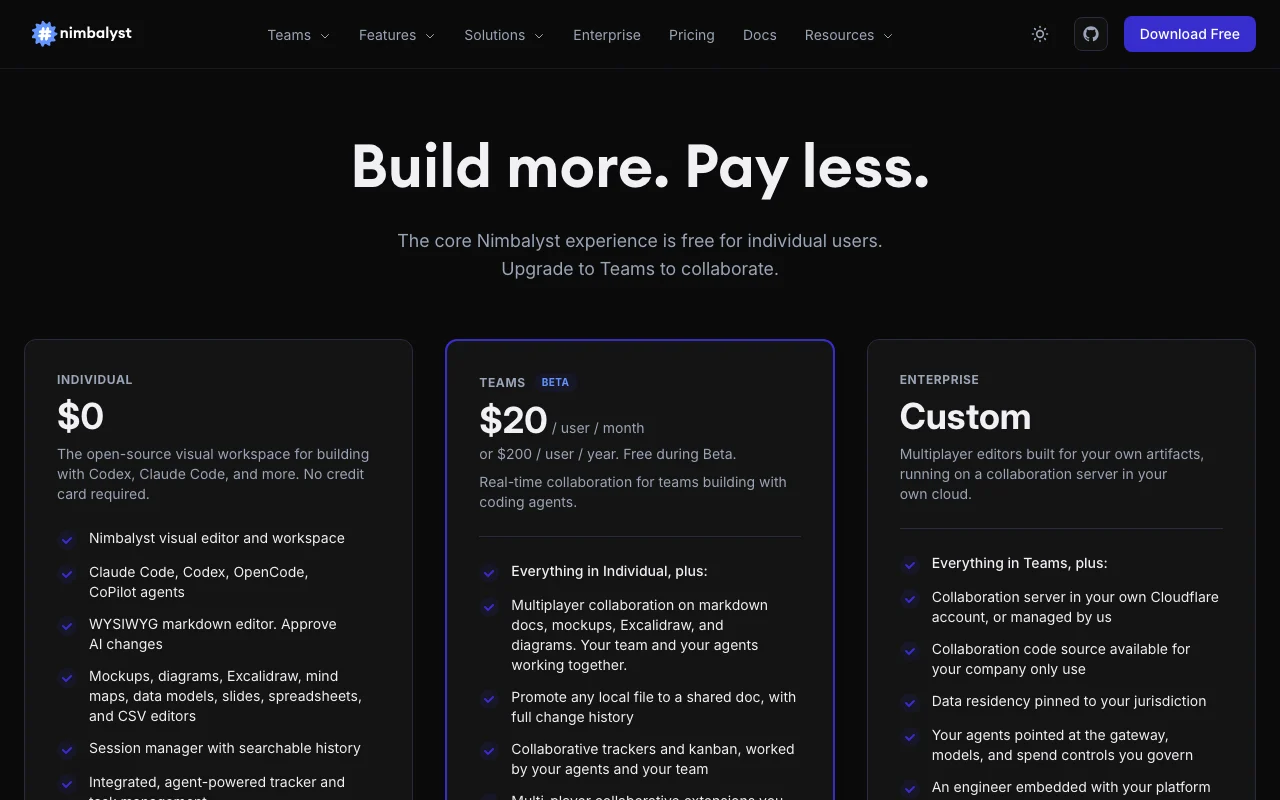
Teams price after beta is $20/user/month
Nimbalyst Preise und Nutzungslimits
Preise am Sep 29, 2026 auf der offiziellen US-Preisseite geprüft. Offizielle Preise ↗ Preise und Limits ändern sich häufig.
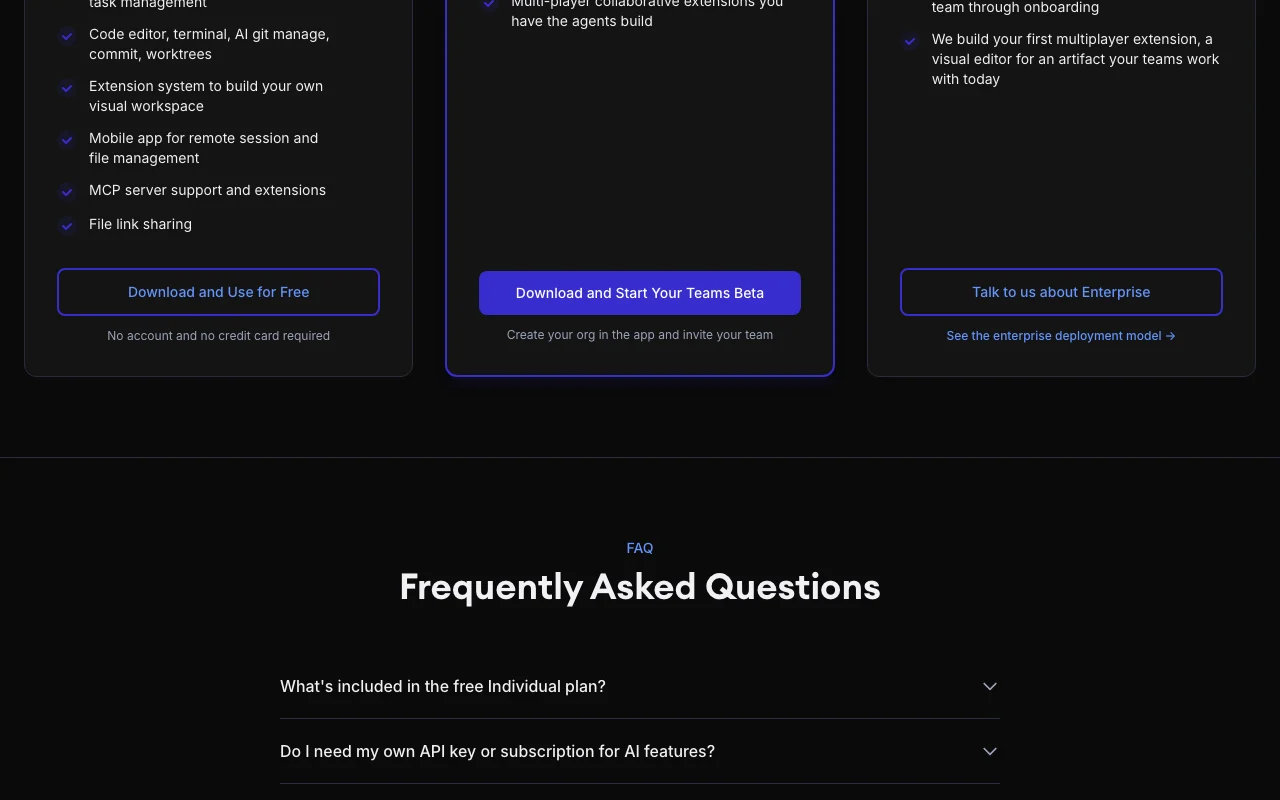
Die offizielle Nimbalyst-Preisseite, wie wir sie gesehen haben. nimbalyst.com, erfasst Oct 1, 2026
Kostenloser Zugang und Testbedingungen
Individual plan is free with no feature limits and no trial period.
Teams is free during Beta, no card or approval needed.
Kostenpflichtige Tarife: was sich beim Upgrade ändert
Für: Organizations with security and residency needs
Limits
Pricing starts with a conversation
Enthält
Collaboration server in your cloud or managed
Data residency pinned to jurisdiction
2 mehr
Governed gateway, models and spend controls
Embedded engineer and custom multiplayer extension
Keine API
Nutzungsobergrenzen, Guthaben und Zusatzkosten
Your own Claude Code, Codex or API-key costs are paid to those providers.
Not stated.
Was ist Nimbalyst und wie funktioniert es?
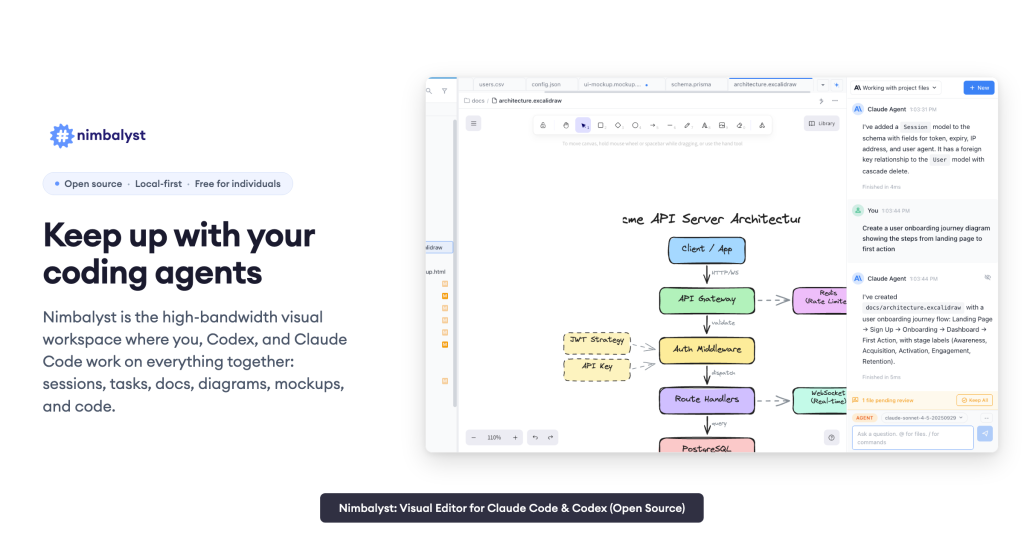
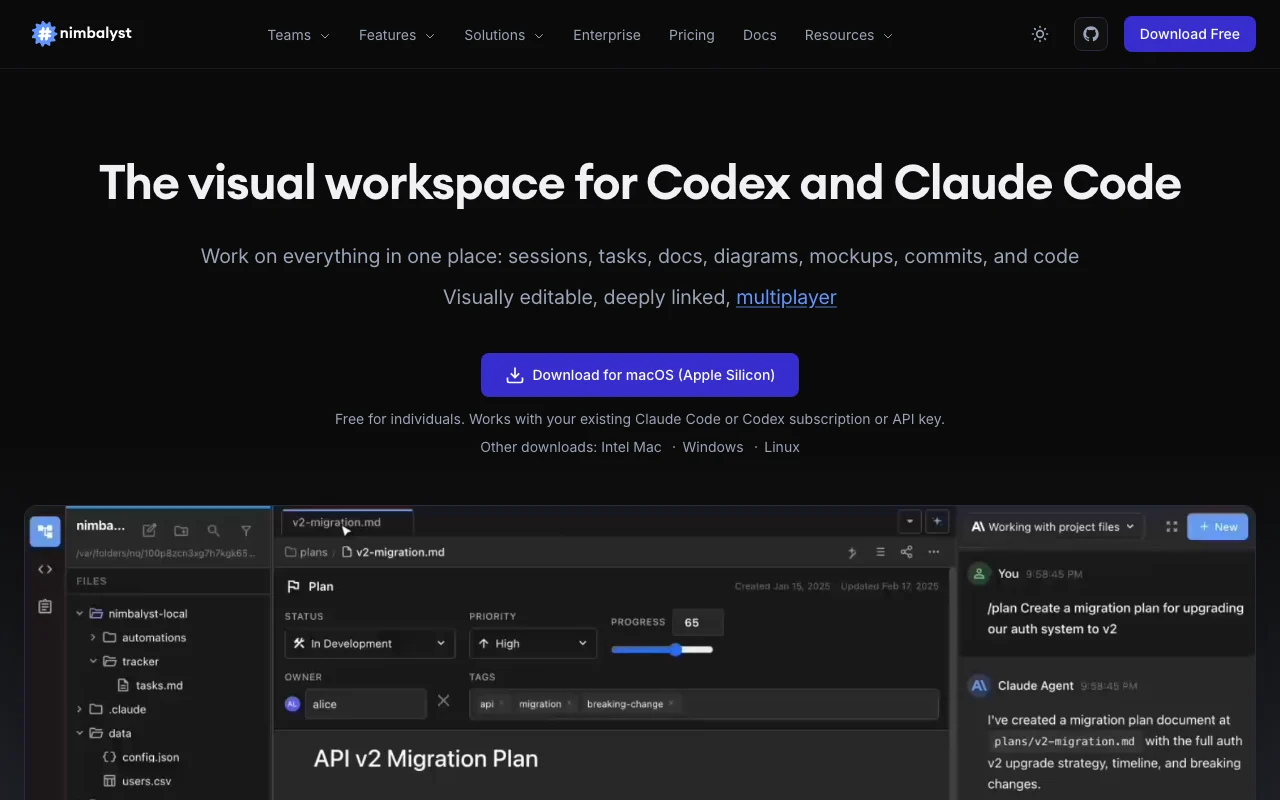
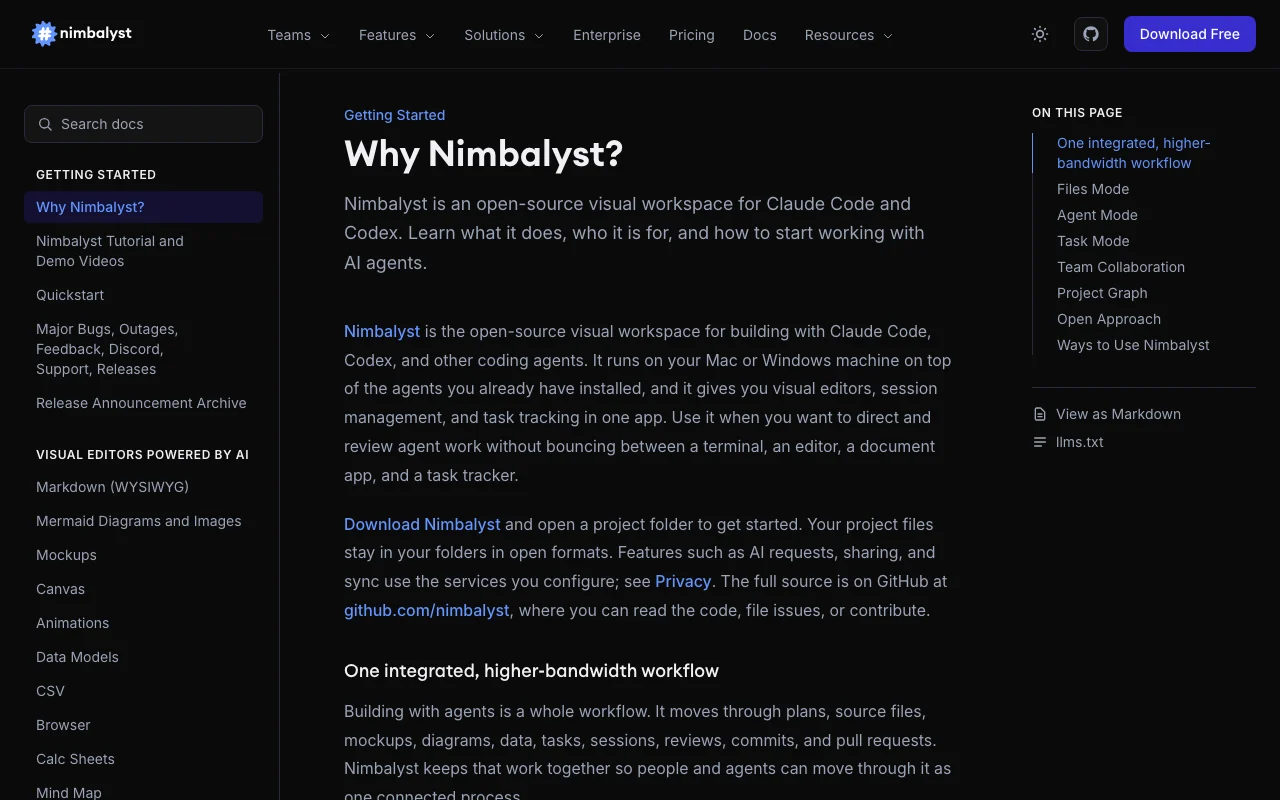
Nimbalyst is a visual workspace that wraps coding agents such as Claude Code and Codex, with editors for markdown, mockups, diagrams, spreadsheets and code, plus a session manager and task tracking.
It runs as a desktop app for Mac, Windows and Linux with an iOS companion app. Individual use is free and works with the user's own Claude Code or Codex subscription or API key.
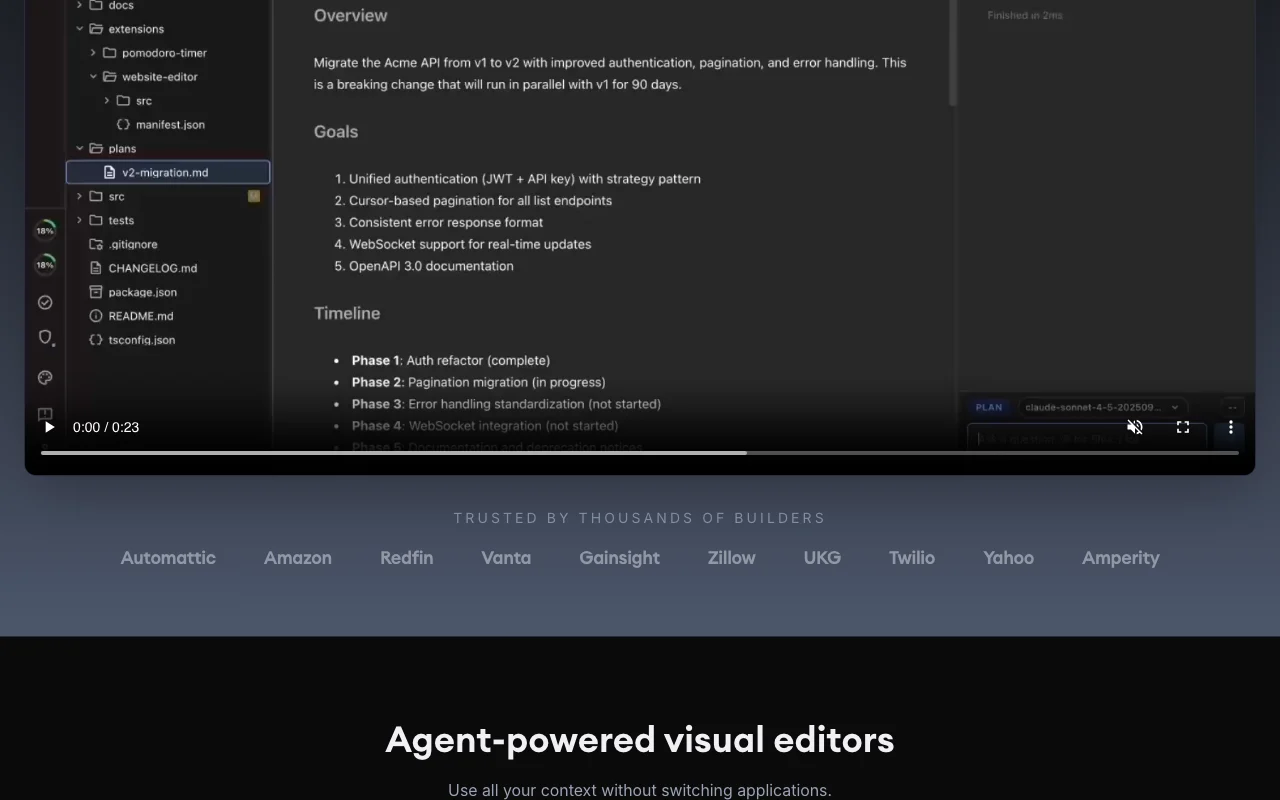
Offizielle Website von Nimbalyst: So stellt sich das Produkt selbst dar. nimbalyst.com, erfasst Oct 1, 2026
Was Sie liefern und was Sie erhalten
Was Sie Nimbalyst geben und was zurückkommt, laut Dokumentation
Sie liefern
Project folders and files
Prompts to Claude Code, Codex, OpenCode or Copilot
Drawn mockups and annotations
Sie erhalten zurück
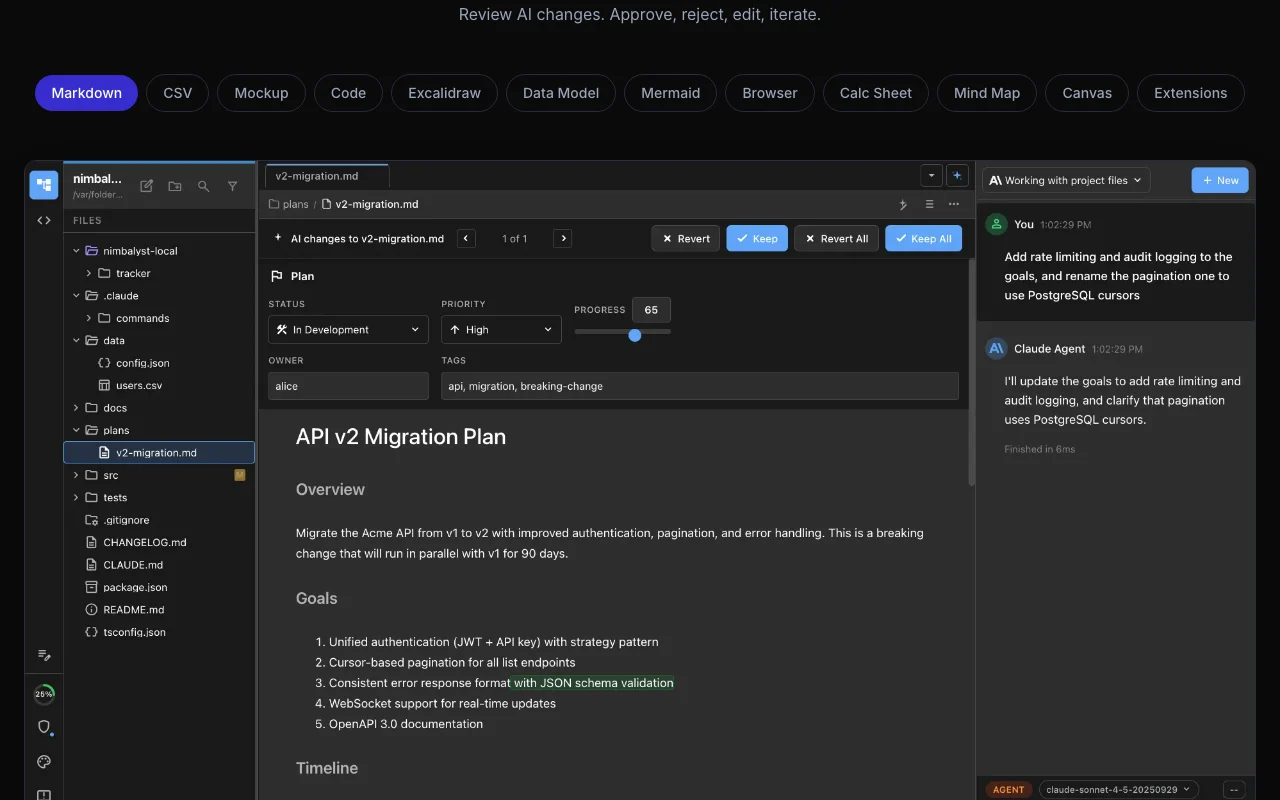
Reviewed diffs of AI edits
Markdown, CSV, Mermaid, Excalidraw and mockup files
Generated frontend code and Prisma schemas
Commits and worktrees
Wo Sie es nutzen können
Plattformen
Desktop, Mobile
Konto
Nicht erforderlich
Agents
Claude Code, Codex, OpenCode, Copilot
Platforms
Mac, Windows, Linux, iOS
Editors
Markdown, CSV, mockups, Excalidraw, Mermaid, code, data model
Dev tools
Terminal, git worktrees, PR reviews
License
Open source
Die besten Einsatzzwecke für Nimbalyst
Die Szenarien erarbeiten unsere Redakteure anhand der Dokumentation; das tatsächliche Ergebnis hängt von Ihrer Eingabe und Ihrem Tarif ab.
Review and approve AI edits
Wer
Developers using coding agents
Sie liefern
Agent edits to project files
Erwartetes Ergebnis
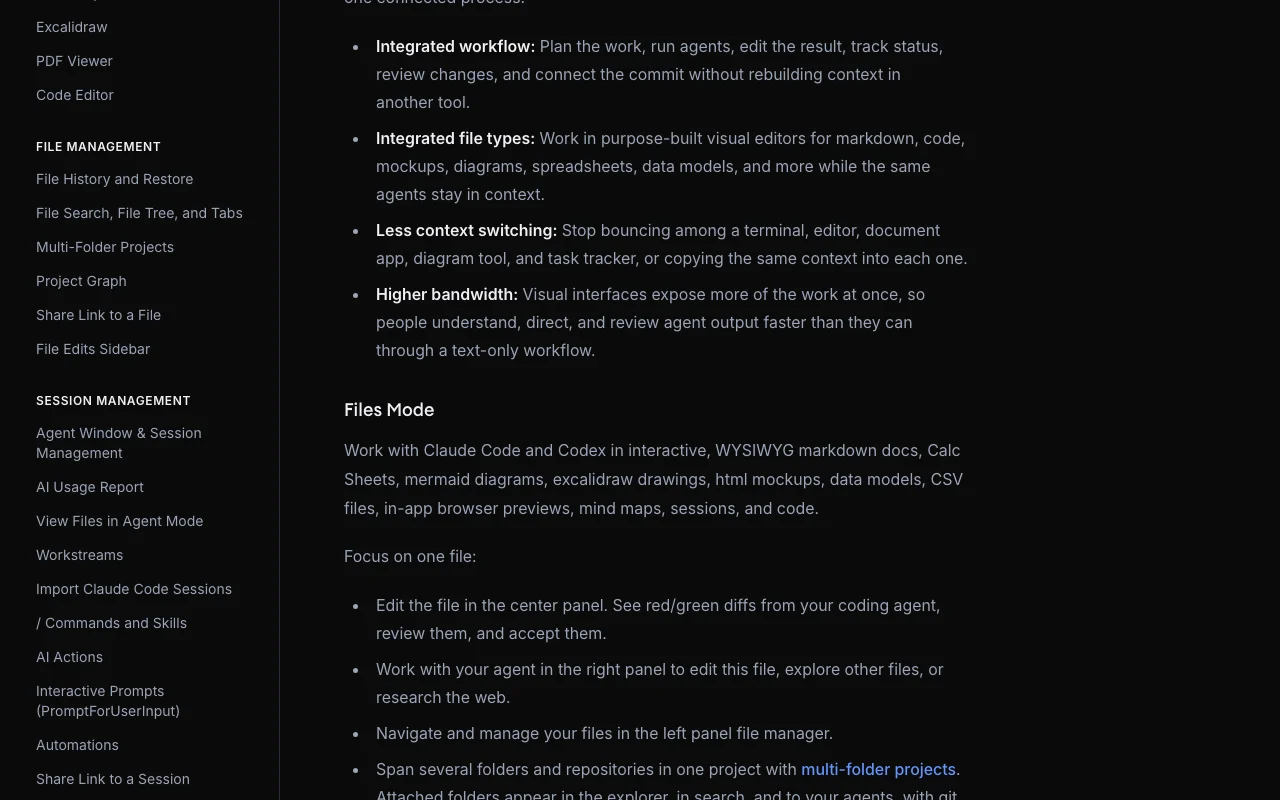
Red/green diffs you approve or reject before they land
Privacy page fetch returned the homepage Detailed data handling should be read in the docs.dokumentiertQuelle (öffnet in neuem Tab)
So nutzen Sie Nimbalyst für reviewing AI edits in a visual workspace
Nimbalyst Dokumentation: Quellen der folgenden Schritte. nimbalyst.com, erfasst Oct 1, 2026
Nimbalyst einrichten
Download Nimbalyst for Mac, Windows or Linux from nimbalyst.com.
Make sure Claude Code or Codex is installed and signed in, or add an API key.
Open a project folder in Nimbalyst.
Open a markdown file and the agent panel side by side.
Beispiel: reviewing AI edits in a visual workspace
Ask the agent to tighten the introduction of a markdown spec.
Watch the red/green diff appear in the editor.
Approve or reject each change.
Ask the agent to open a mockup of the feature and iterate on it.
Ergebnis prüfen und exportieren
Confirm the file on disk matches the approved diff.
Find the session in the searchable session history.
Von unserer Redaktion vorgeschlagener Beispiel-Prompt (keine aufgezeichnete Ausgabe des Produkts)
Rewrite the introduction of this spec to be half as long and keep the three requirements.
Nimbalyst Integrationen und API
Nimbalyst Dokumentation (Fortsetzung). nimbalyst.com, erfasst Oct 1, 2026
Native Integrationen und Exportformate
Export: Markdown, CSV, Mermaid, Prisma schema
API-Zugang und separate Abrechnung
Nimbalyst hat laut offizieller Dokumentation keine öffentliche API. Extension API documented; no public service API stated API-Dokumentation ↗
Datenschutz, Datennutzung und kommerzielle Rechte
Zusammengefasst aus den aktuellen Richtlinien des Anbieters; dies ist keine Rechtsberatung, und das Badge eines Anbieters ersetzt kein unabhängiges Audit.
Wie Ihre Eingaben und Ausgaben verarbeitet werden
Project files stay in your folders in open formats; AI requests, sharing and sync use services you configure.
Kommerzielle Nutzung und Tarifbeschränkungen
Data residency and own-cloud collaboration server on Enterprise
Do I need my own Claude Code or Codex access for Nimbalyst?
Yes. Nimbalyst provides the workspace; you bring a subscription, an API key from Anthropic, OpenAI or others, or local models through LM Studio. Quelle (öffnet in neuem Tab)
Is Nimbalyst free?
The Individual plan is free with no feature limits, no trial period, and no account or credit card required. Quelle (öffnet in neuem Tab)
Nicht verifiziert: Training use of data; Retention; Privacy policy text (page returned homepage).
Wie wir diese Seite dokumentiert haben und pflegen
Jede Angabe zu Nimbalyst oben stammt aus den 5 hier aufgeführten offiziellen Seiten, zuletzt verglichen am Sep 29, 2026; wir haben Nimbalyst nicht selbst getestet, daher gibt es keine redaktionelle Bewertung. Wie wir Seiten prüfen und erneut prüfen.
Artikel aktualisiert Oct 10, 2026; Preise geprüft Sep 29, 2026. Ausgehende Links zu Anbietern sind einfache Links; wir erhalten keine Provisionen. So testen wir · Fehler melden