Nossa opinião: Choose TeamBrain if your team already works in Claude or ChatGPT and needs one shared markdown workspace of files, tasks and decisions that every member's AI can read and write over MCP.
Principal limitação: No free tier is shown, and the pricing page could not be read today, so plan limits come from earlier verified research.
Pela equipe editorial do AI Tool Atlas.
Com base na documentação oficial do fornecedor; não testamos este produto na prática. O que “visão geral documentada” significa
Quem deve usar TeamBrain
Choose TeamBrain if your team already works in Claude or ChatGPT and needs one shared markdown workspace of files, tasks and decisions that every member's AI can read and write over MCP. Com base na documentação do fornecedor, fora de um teste prático.
Ideal para: Small teams using Claude or ChatGPT together
Também indicado para
Agencies working with clients and contractors
Teams wanting a shared context layer for AI
Considere outra ferramenta se no free tier shown on the pricing page
Ou se
Seat, workspace and storage caps per plan (e.g. 5 seats / 10 GB on Starter)
Requires an account and connecting an external AI client
Preços e limites de uso do TeamBrain
Preços verificados em Sep 29, 2026 na página oficial de preços dos EUA. Preços oficiais ↗ Preços e limites mudam com frequência.
Página de preços do fornecedor verificada novamente de forma automática em há 12 dias: nenhuma mudança detectada.
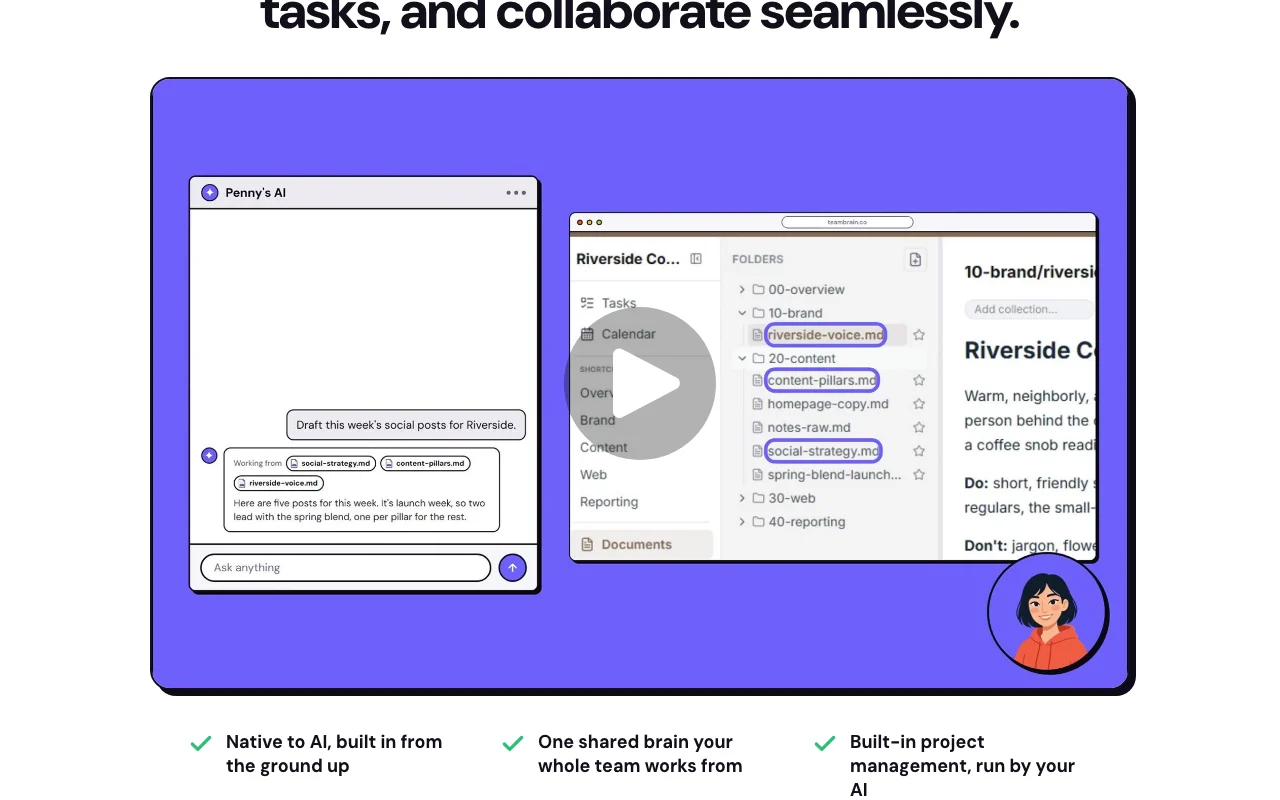
TeamBrain is a shared workspace where a team stores files, notes, decisions and tasks so that the AI assistants each member already uses can read and write the same context. Users connect Claude, ChatGPT or another MCP-compatible client by pasting a TeamBrain address, then ask their AI to save work into the workspace instead of a chat window.
The product adds light project management (Kanban boards, calendars, tasks), decision logs with reasoning, collections for organizing by project or client, guest accounts for contractors, comments, and a daily email summary of what changed.
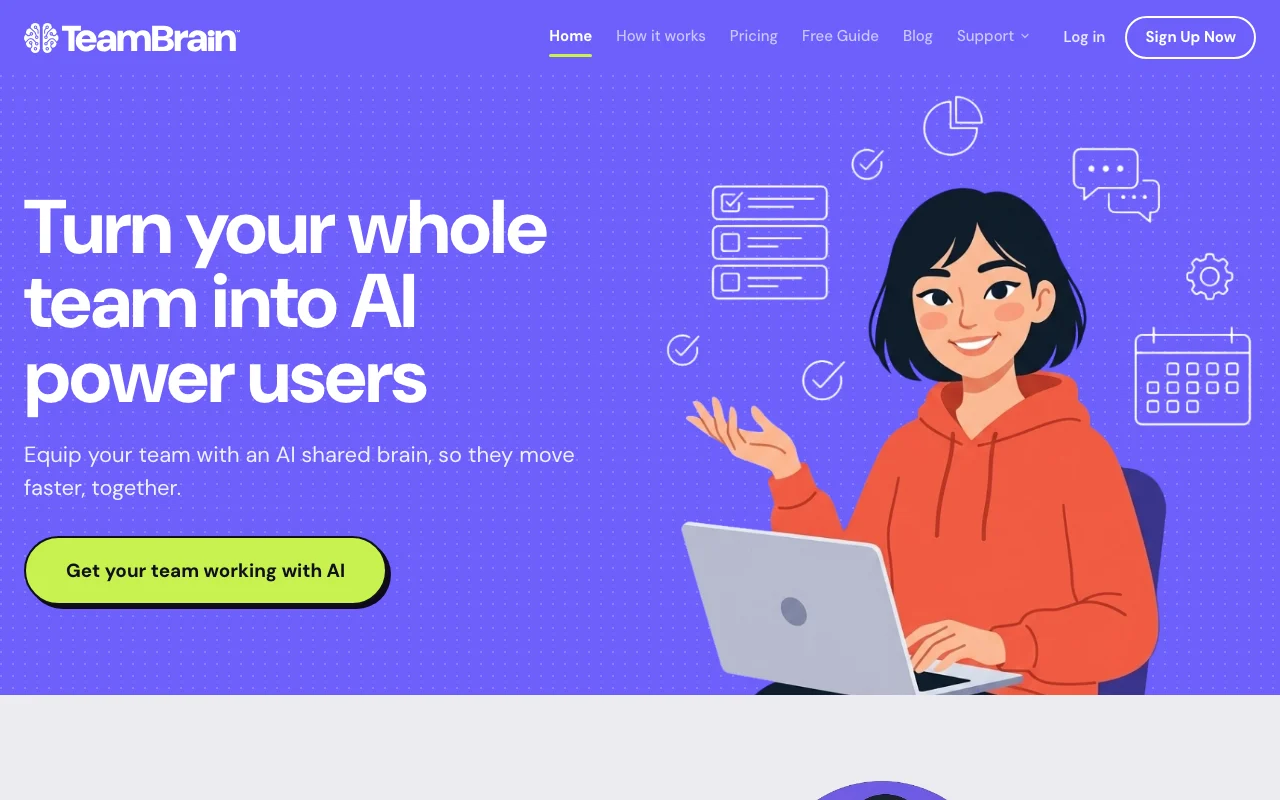
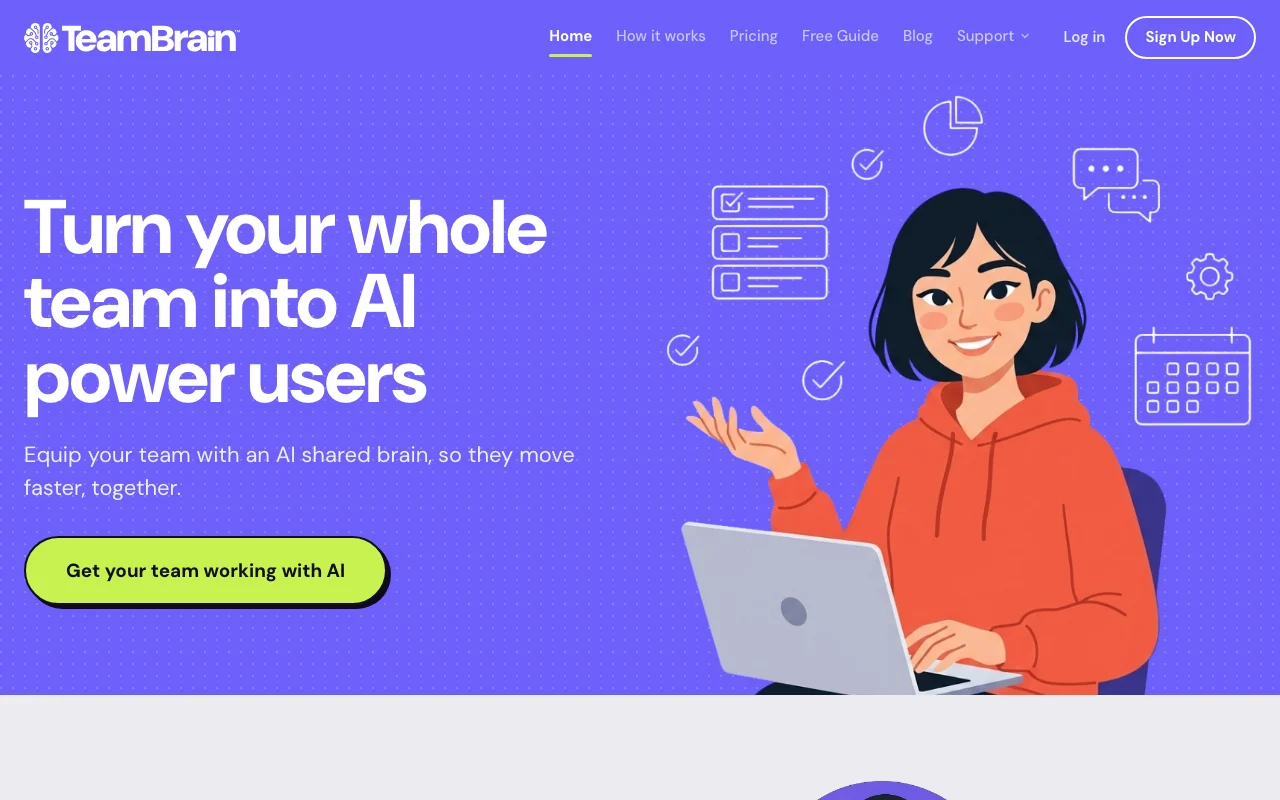
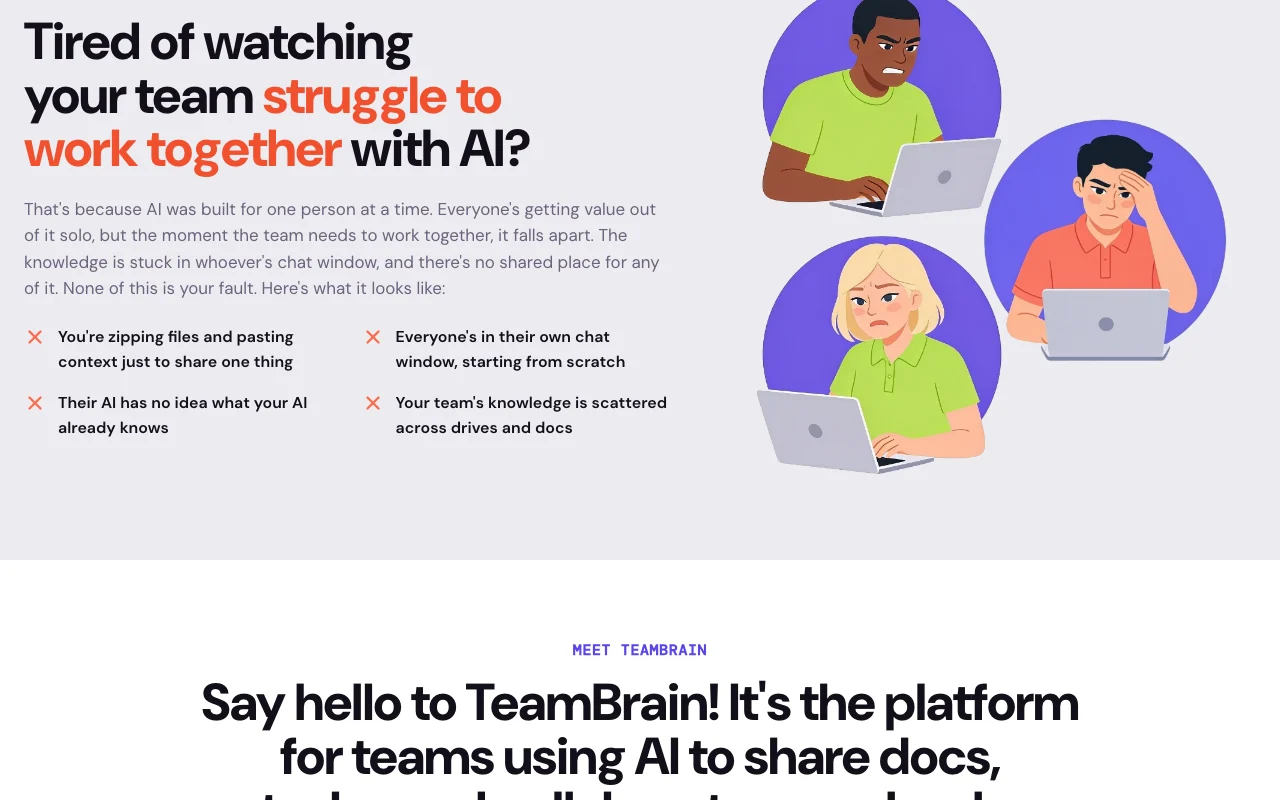
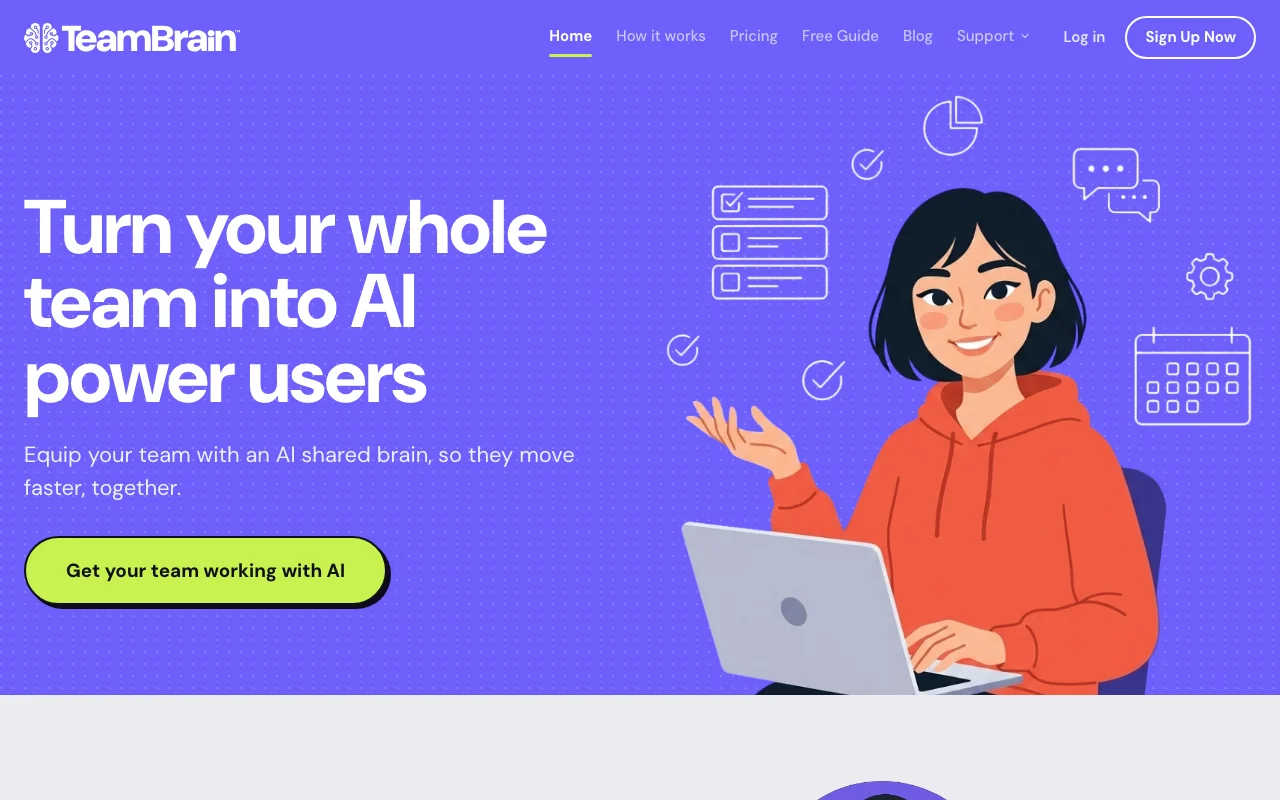
Site oficial do TeamBrain: como o produto se apresenta. teambrain.co, capturado Oct 1, 2026
O que você fornece e o que recebe de volta
O que você fornece a TeamBrain e o que recebe de volta, segundo a documentação
O que você fornece
Files and notes saved as markdown
Instructions given to a connected AI client (Claude, ChatGPT, other MCP clients)
Tasks, comments and calendar events
O que você recebe de volta
Shared workspace documents and decision records
Kanban cards and calendar items
Daily email summary of changes
Markdown (.md) export of all files
Onde você pode usar
Plataformas
Web
Conta
Obrigatório
Storage format
Plain markdown
AI clients
Claude, ChatGPT, other MCP clients
Project tools
Kanban, calendar, tasks, comments
Export
.md files
Onde TeamBrain é mais útil
Os cenários são elaborados por nossos editores a partir da documentação; o resultado real depende da sua entrada e do seu plano.
Giving every teammate's AI assistant the same project context
Quem
Small teams where each member uses their own Claude or ChatGPT
O que você fornece
Client notes and project files saved to a collection
Resultado esperado
Each teammate's AI pulls the same up-to-date project context via MCP
MCP connector for Claude, ChatGPT and compatible clients
Lets any MCP-capable AI (Claude desktop, Claude Code, ChatGPT) connect by pasting a TeamBrain address. Teammates keep their own AI instead of switching apps.
Provides Kanban boards, a shared calendar, tasks, comments on docs and asset attachments that the AI can also operate. Replaces a separate lightweight project tool.
Works with AI tools the team already uses instead of a new chat interface No retraining or migration into a new chat app.documentadofonte (abre em uma nova guia)
AI included on every plan, with option to bring your own API key Usage without separate AI billing, or cost control via your own keys.documentadofonte (abre em uma nova guia)
Flat plan pricing rather than per-seat Cost does not grow with every added teammate within plan caps.documentadofonte (abre em uma nova guia)
Decisions are captured with the reasoning behind them, showing who changed what and why A new teammate or AI joining a client project can see why a decision was made without asking the original person.documentadofonte (abre em uma nova guia)
Knowledge is stored as plain markdown and any AI that supports MCP connects directly Claude, ChatGPT or another MCP client can read and update the same team notes without a custom plugin.documentadofonte (abre em uma nova guia)
Limitações a conferir antes de pagar
No free tier shown on the pricing page Teams cannot trial it for free from the plans shown.documentadofonte (abre em uma nova guia)
Seat, workspace and storage caps per plan (e.g. 5 seats / 10 GB on Starter) Larger teams must move to a higher tier or custom option.documentadofonte (abre em uma nova guia)
Requires an account and connecting an external AI client Needs setup by each member before sharing works.documentadofonte (abre em uma nova guia)
Public docs page is an embedded help widget with little readable content Little readable self-serve documentation to consult.documentadofonte (abre em uma nova guia)
Como usar o TeamBrain para sharing project context between teammates' AI assistants
Configurar TeamBrain
Create a TeamBrain account and a workspace for your team.
Copy your workspace's TeamBrain address (MCP URL).
Add it as a connector in Claude, ChatGPT or another MCP client.
Invite teammates and guests so their AI clients can connect to the same workspace.
Exemplo: sharing project context between teammates' AI assistants
Open a collection for a client project.
Tell your AI: file these meeting notes under this client's folder.
Ask the AI to log the decision and its reasoning.
Have a teammate's AI pull the latest on the client.
Revise e exporte o resultado
Open the workspace and confirm the new markdown file and decision entry appear.
Check the teammate's AI answer reflects the saved notes.
Review the daily email summary for the change.
Exemplo de prompt sugerido por nossos editores (não é uma saída registrada do produto)
Pull the latest on this client, then save today's call notes under their folder and log the decision to extend the deadline, with the reason.
TeamBrain integrações e API
Integrações nativas e formatos de exportação
Exportar: Markdown (.md)
Acesso à API e cobrança separada
TeamBrain não tem API pública na documentação oficial. No API docs found; access is via MCP.
Privacidade, uso de dados e direitos comerciais
Resumido a partir das políticas atuais do fornecedor; não é aconselhamento jurídico, e o selo de um fornecedor não é uma auditoria independente.
Como suas entradas e saídas são tratadas
Customer Content (files, tasks, comments, decisions) plus name, email and workspace details are stored.
Site states it never reads or trains on customer data.
Plans are flat tiers with seat caps (Starter: 5 seats, 10 GB) rather than per-seat billing, per earlier research; the pricing page was unreadable today. fonte (abre em uma nova guia)
Não verificado: Exact seat/storage caps for Pro and Max; Free trial; Commercial-use terms; API availability.
Como documentamos e mantemos esta página
Todos os fatos sobre TeamBrain acima vêm de 3 páginas oficiais listados aqui, comparados pela última vez em Sep 29, 2026; não executamos TeamBrain por conta própria, por isso ele não tem nota editorial. Como verificamos e reverificamos as páginas.
Artigo atualizado em Oct 10, 2026; preços verificados Sep 29, 2026. Os links para fornecedores são links comuns; não ganhamos comissões. Como avaliamos · Relatar um erro


 (abrir em tamanho real em uma nova guia)
 (abrir em tamanho real em uma nova guia)
 (abrir em tamanho real em uma nova guia)
 (abrir em tamanho real em uma nova guia)
 (abrir em tamanho real em uma nova guia)
 (abrir em tamanho real em uma nova guia)